
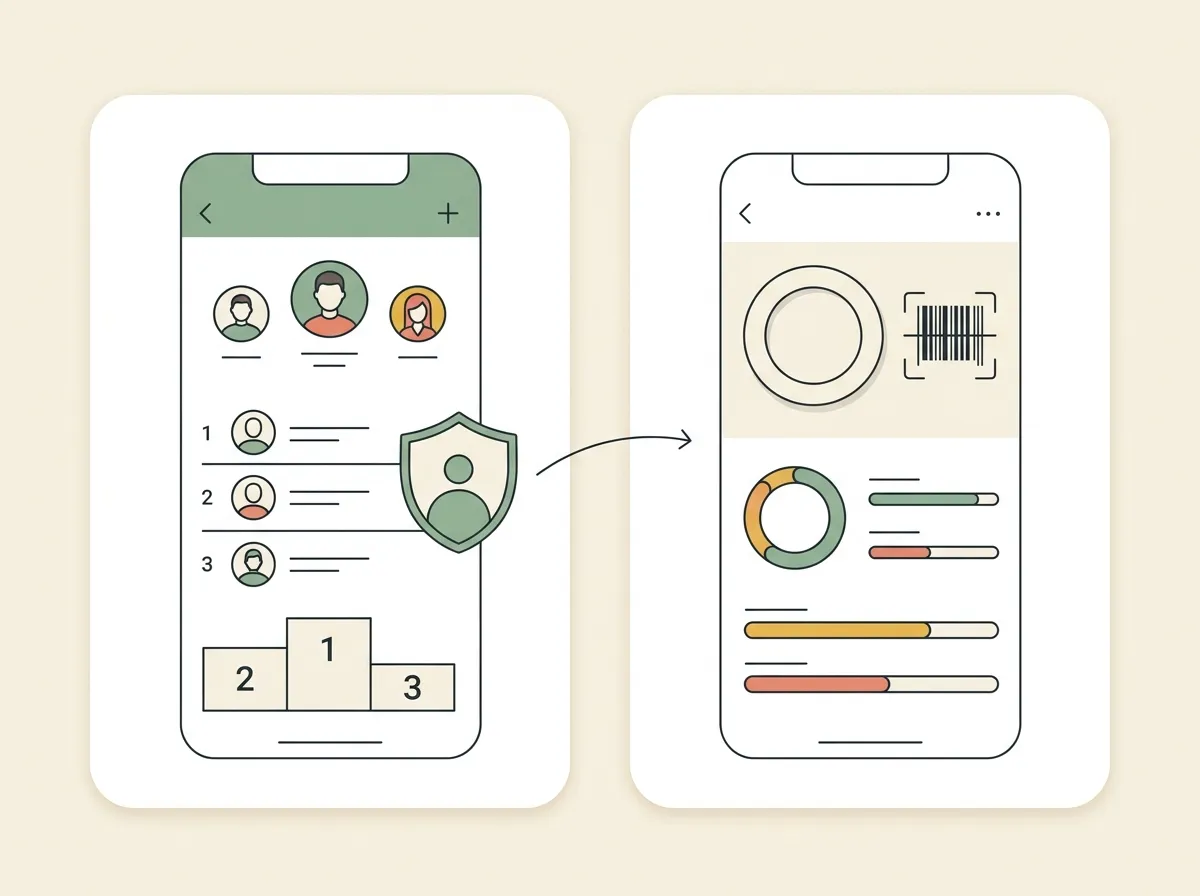
Quick answer: The GainFrame Leaderboard is live now. It lets you share a chosen username, optional avatar, GainFrame Score, goal, and check-in date while keeping progress photos private. Nutrition tracking is next, with calories, macros, faster food logging, personalized targets, and Apple Health support currently in development.
You can open GainFrame today and see how your score stacks up against other people doing the work. The new GainFrame Leaderboard turns the score from your latest check-in into an optional shared benchmark while your progress photos, real name, and email remain private.
The next piece is already taking shape. Nutrition tracking is in development, with a daily calorie and macro diary, several fast ways to log food, personalized targets, and Apple Health support. It will connect the visual result you see in GainFrame with one of the biggest inputs behind it.
One feature is available now. The other still has to clear backend, device, camera, barcode, and Health testing before release.
How does the GainFrame Leaderboard work?
The leaderboard ranks shared GainFrame Scores from signed-in members. You can filter the standings by goal and by when the score was recorded, including this week, this month, this year, or all time.
Joining is optional. You choose a public username and decide whether to add a separate avatar. Your entry shows five pieces of information:
- Username
- Optional avatar
- GainFrame Score
- Goal at the time of that score
- Check-in date
Your progress photos stay inside your private GainFrame history. The leaderboard never turns them into a public profile or places them in a feed.
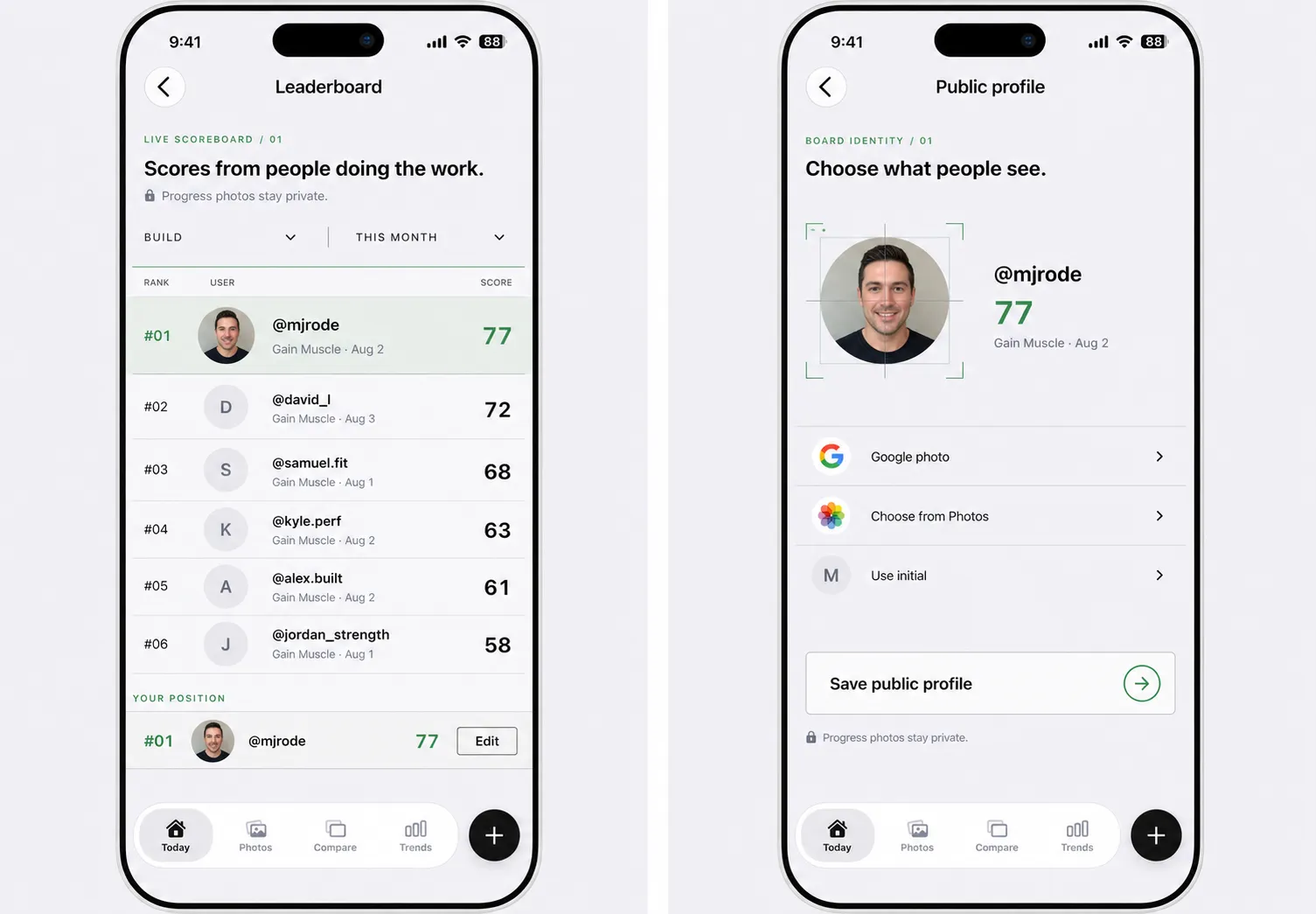
The leaderboard shares a narrow public identity: username, optional avatar, score, goal, and date. Progress photos remain private.
When a new scored check-in is ready, you decide whether to update the score shown on the board. You can edit your username or avatar, block or report another profile, and leave whenever you want. Leaving removes your shared row and avatar.
Why did we add competition without building a social feed?
GainFrame has always been built around you versus your past self. Your check-ins, comparisons, weight trend, muscle scores, and throwbacks show whether your training is moving you forward.
There was still a useful question the private timeline could not answer: How does my score compare with other people working toward a similar goal?
The leaderboard answers that one question. There are no followers, comments, public progress-photo galleries, or endless feed. You get a ranked benchmark and control every field attached to your place on it.
That narrow scope matters. Competition can make a score more meaningful. Privacy keeps the rest of your physique journey yours.
Private by default, competitive by choice. Joining the leaderboard is optional, sharing a separate avatar is optional, and leaving removes the identity you shared.
What is coming with GainFrame nutrition tracking?
Seeing that your body fat is trending down or your GainFrame Score is moving up is useful. The next question is usually about the input: What did I eat while that change was happening?
The nutrition tracker in development is designed as a daily diary inside a dedicated Food tab. It groups calories, protein, carbohydrates, and fat across breakfast, lunch, dinner, and snacks. The current build is testing several ways to add food:
- Voice logging for a food, amount, and meal
- USDA food search for branded and generic foods
- Barcode scanning for packaged foods
- Nutrition Facts label capture with editable results
- Manual entry for anything the database cannot resolve
- Favorites and recent foods for repeat meals
Every search or scan leads to a confirmation screen before it enters your diary. You can review the serving size, number of servings, calories, and macros first. That extra step reduces the chance that a database result or label scan quietly adds the wrong values.
How will nutrition connect to your physique progress?
GainFrame already uses your height, weight, estimated body fat, activity, and selected goal to calculate starting calorie and macro targets. The diary brings those targets beside the food you actually log, with optional overrides when you already know the numbers you want to follow.
Apple Health is part of the design. GainFrame will be able to include nutrition logged by other apps and mirror food saved in GainFrame back to Health, while avoiding double counting its own entries.
The larger goal is a clearer feedback loop:
- Log the input. Capture calories and macros without turning every meal into a project.
- Track the output. Keep taking consistent progress photos and recording scored check-ins.
- Read the trend. Compare what you ate, how you trained, and how your physique changed across several weeks.
Your photo shows the result. Your workout log shows the stimulus. Nutrition adds another piece of the context needed to understand why a cut, bulk, or recomp is moving.
What will be included in the first nutrition release?
The first release is intentionally focused. It is being built for GainFrame Pro and for a US-first rollout using USDA FoodData Central. Calories and the three main macros are the priority.
Recipes, saved meals, meal-photo recognition, full micronutrient tracking, and cloud diary sync are deferred. Those features can come later if the core diary proves fast, reliable, and useful.
Privacy applies here too. Nutrition analytics are designed to measure whether the feature works without collecting food names, brands, barcodes, Nutrition Facts text, or raw macro values.
I will share the nutrition tracker when it is ready for real meals, real devices, and the messy labels that make food logging hard. Until then, the leaderboard is live today.
How can you try the leaderboard today?
Update GainFrame, open the leaderboard from the app, choose a username, and decide whether you want an avatar. Your latest eligible GainFrame Score will be ready to share.
Then use it as a benchmark. Check the board after a new scored check-in, update your position when you want to, and keep the part that matters most focused on your own trend.
Claim your place on the GainFrame Leaderboard
Share your score, keep your progress photos private, and see where your latest check-in lands.
Download GainFrame Free