




01Check in
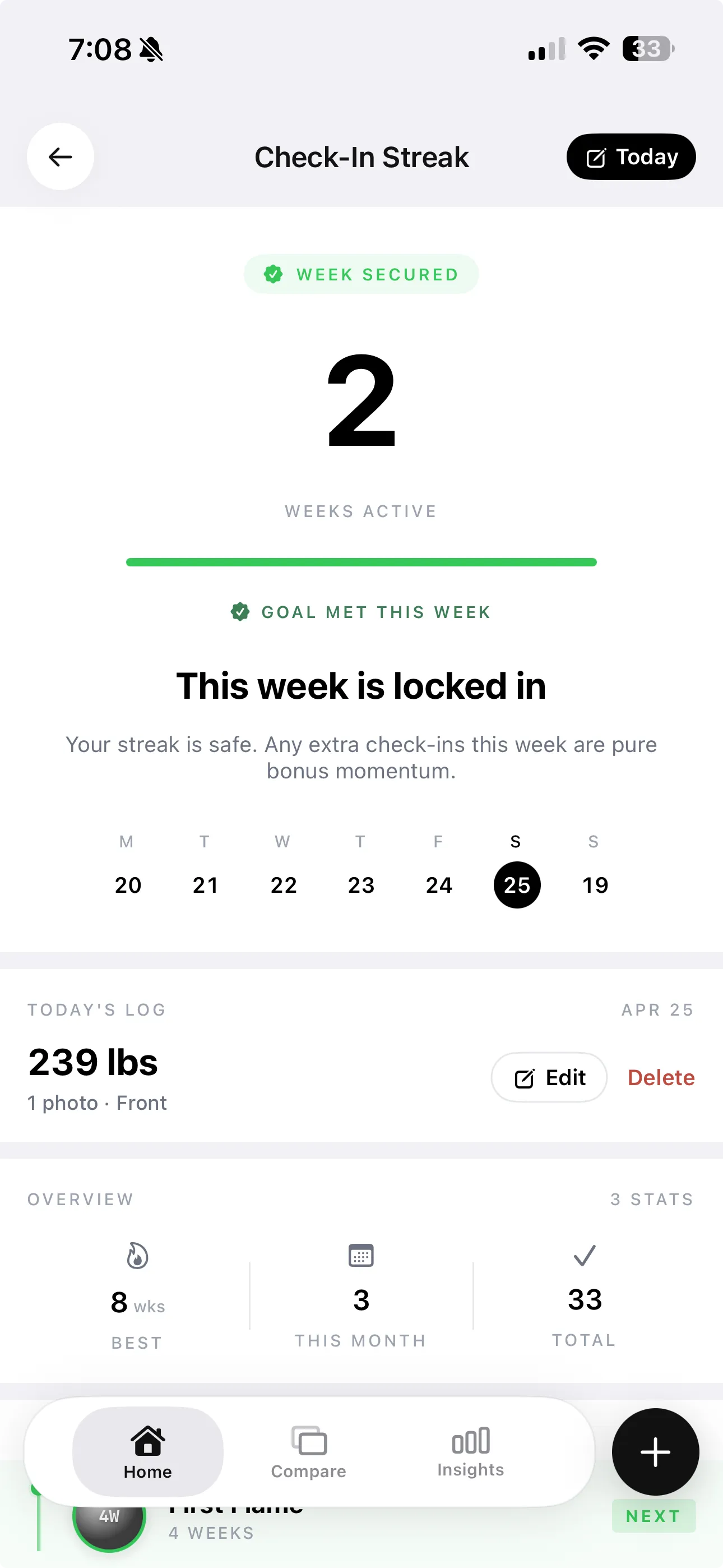
Guided photos keep the weekly signal comparable.
Physique intelligenceiPhone · private by design
Pair a gym selfie with weight, estimated body fat, and training context—then see whether you're gaining muscle, losing fat, or just moving the scale.
4.9 ★from 35 ratings5,000 liftersNo account required
The progress system
Each check-in becomes more useful as it moves through the system. Start anywhere, then follow the signal forward.
Turn a consistent check-in into a physique readout.
Open scan chapter ↘Align two moments so subtle changes are easier to see.
Open compare chapter ↘Ask what moved, with your available trend data attached.
Open Coach chapter ↘Explore an illustrative goal scenario with honest limits.
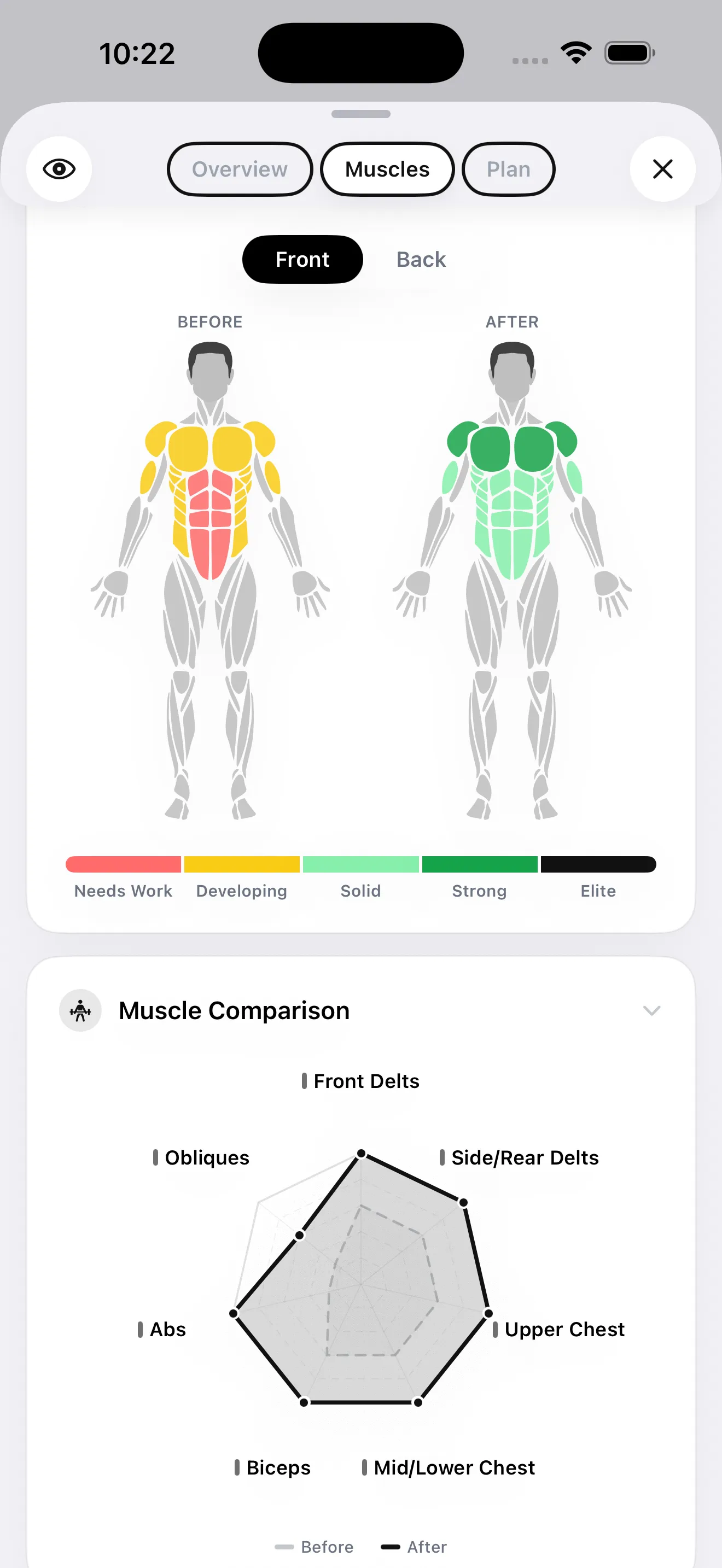
Open Future You ↘Start with one photo for a quick scan, or add multiple angles for a more precise estimate. GainFrame maps body fat, FFMI, lean mass, and muscle-group scores into one report.
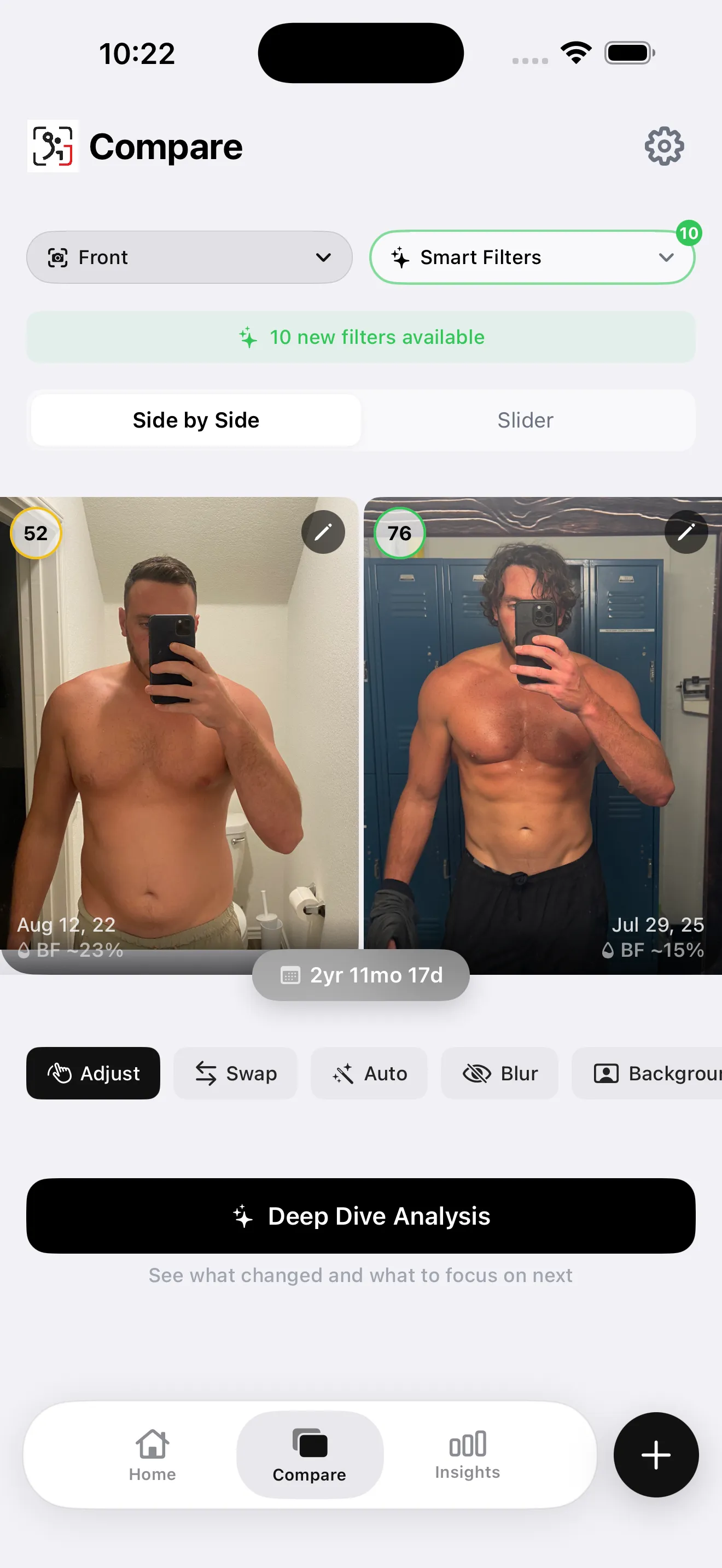
Line up any two photos, choose the same pose, and use smart filters to reduce the visual noise. Then open a Deep Dive to see what moved and what to focus on next.
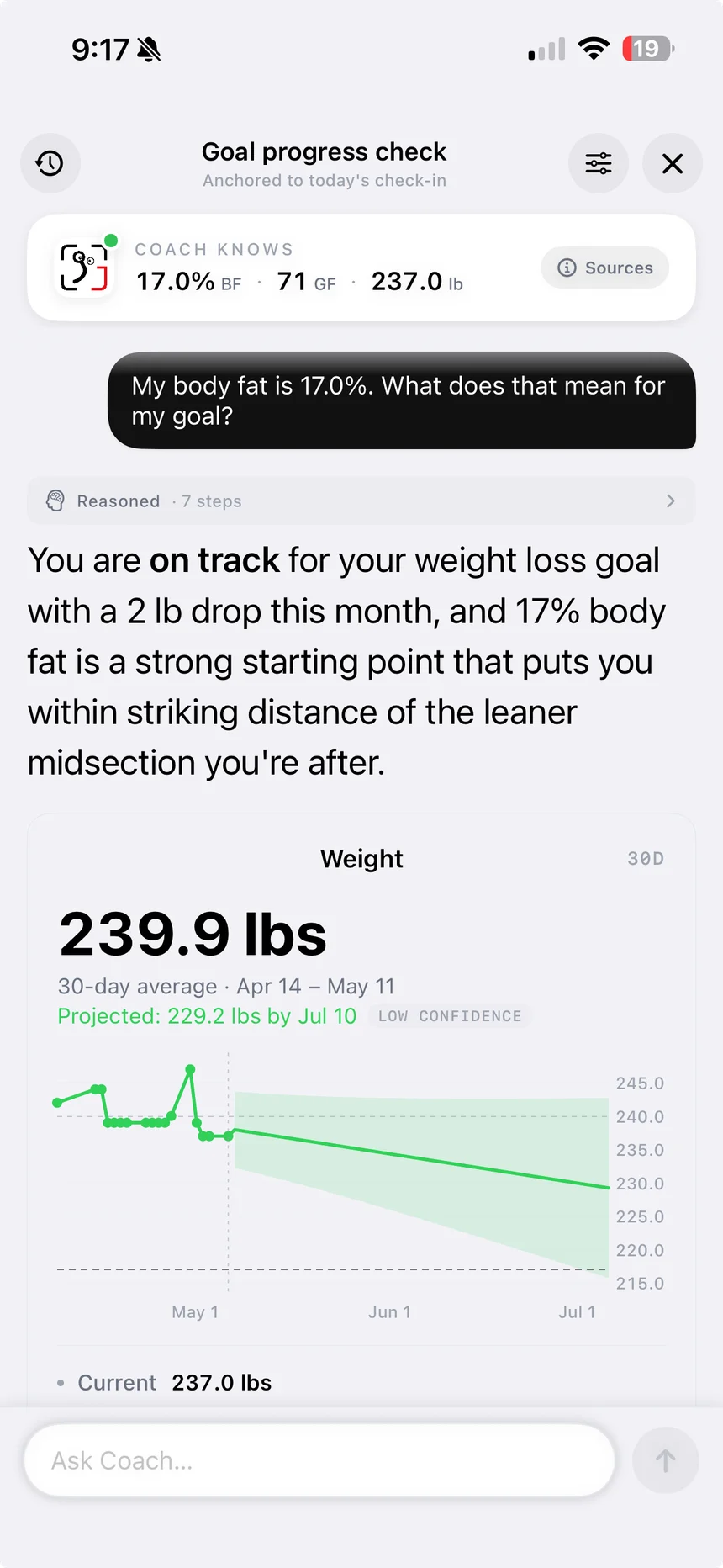
Coach can use check-ins, body metrics, Apple Health, workouts, cardio, and nutrition when those sources are available—so the explanation starts with your trend, not a blank chat box.
Smart Import classifies old gym photos by pose and builds the timeline for you—without making you sort every selfie by hand.
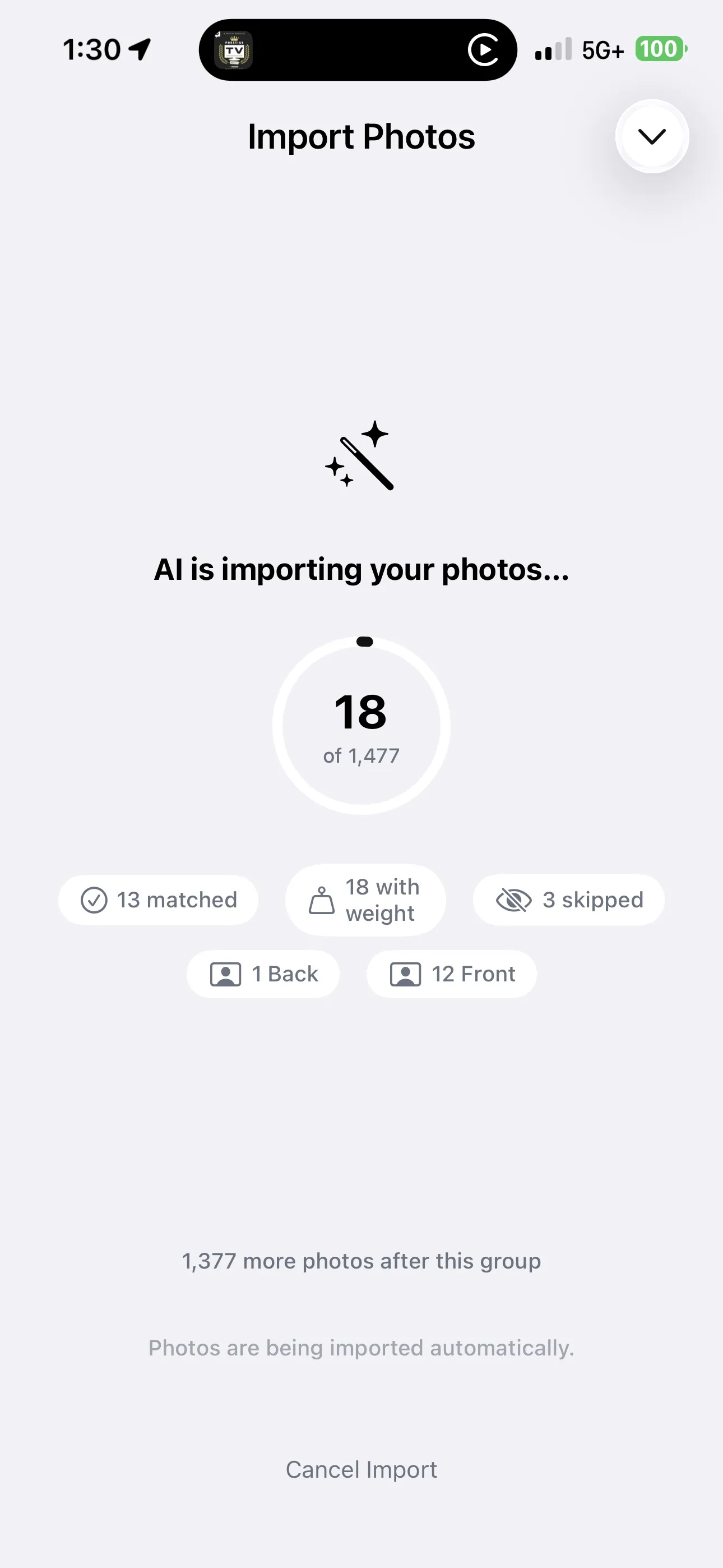
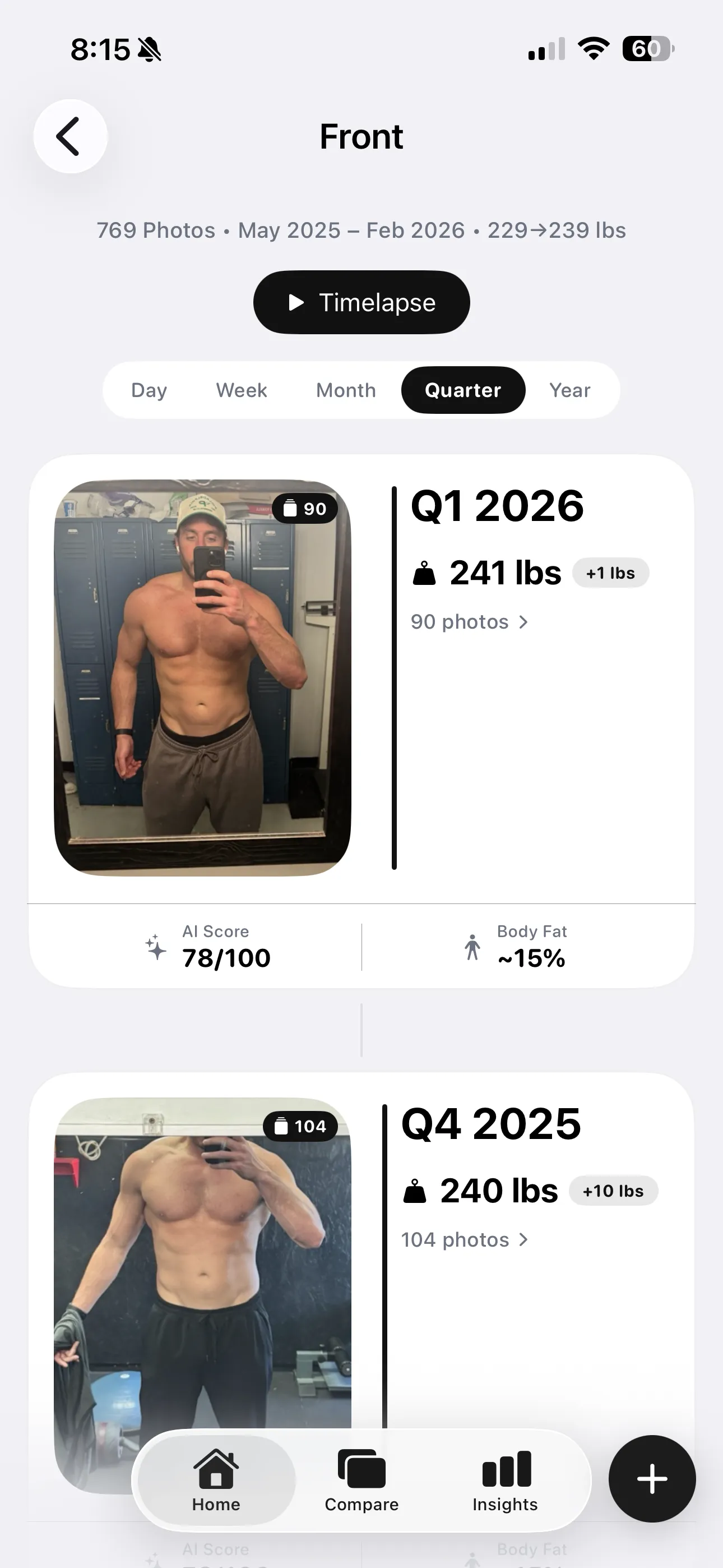
Day · week · month · quarter · year
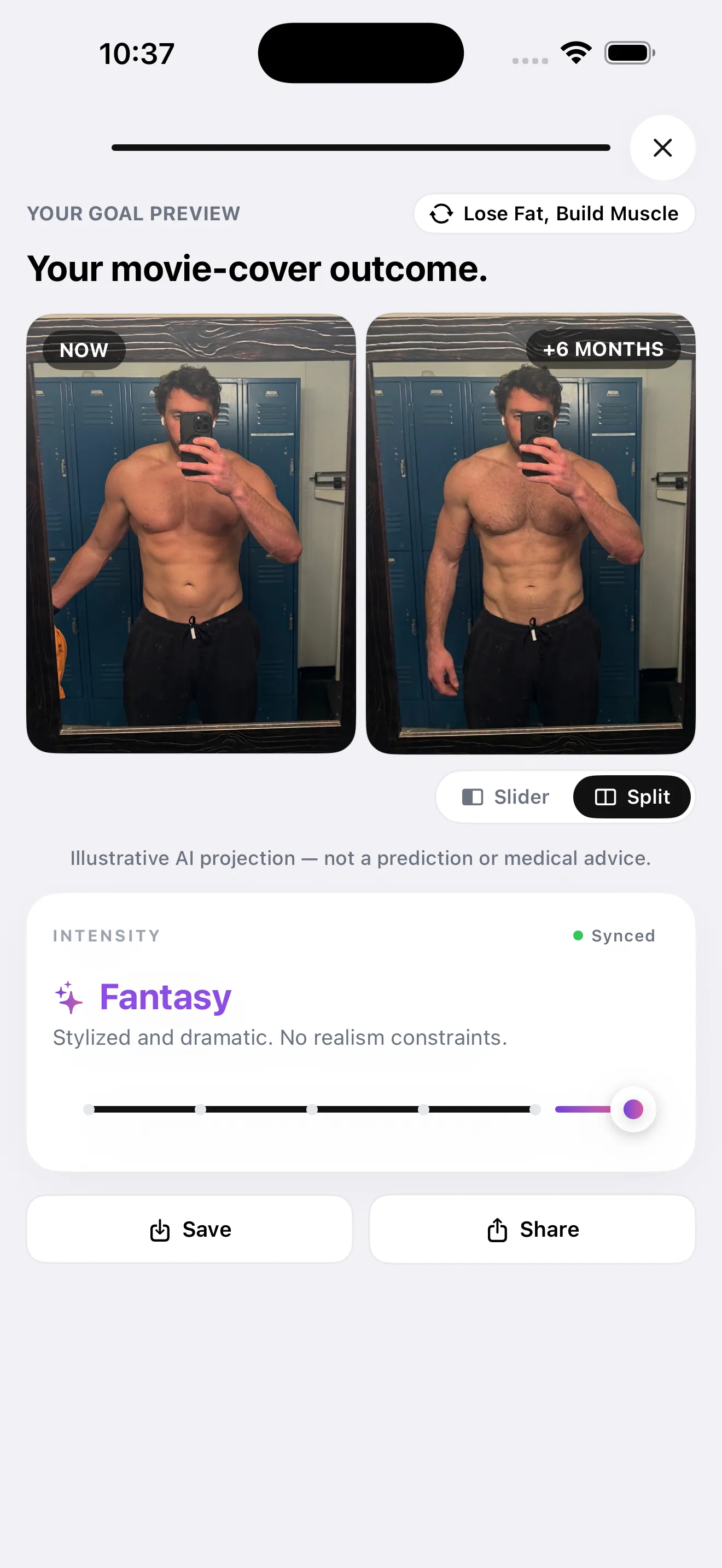
Choose a 3, 6, or 12 month horizon and explore an illustrative physique scenario based on your selected goal and intensity.
Illustrative AI projection—not a prediction or medical advice.
Keep the loop light enough to repeat and rich enough to explain.
Guided photos keep the weekly signal comparable.
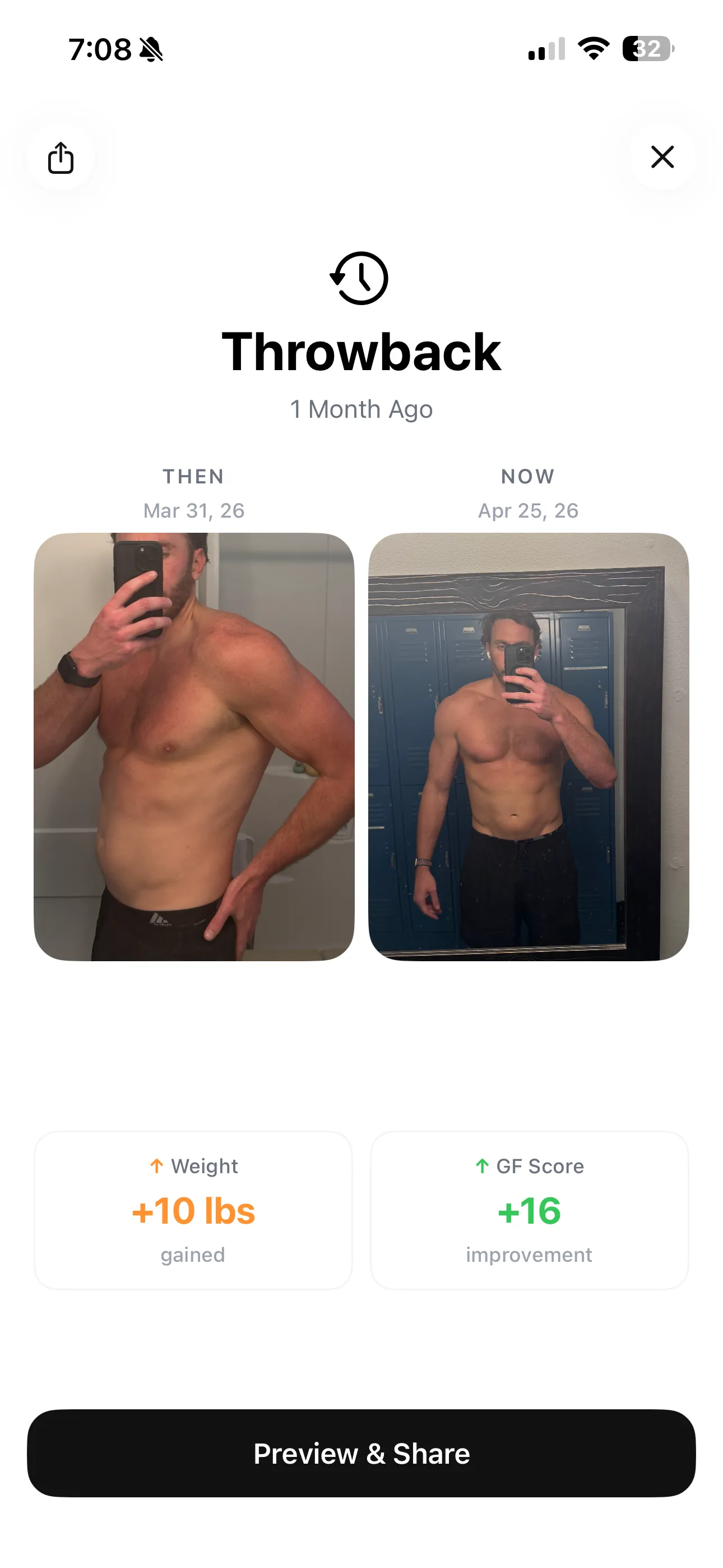
Automatic throwbacks surface progress you may have missed.
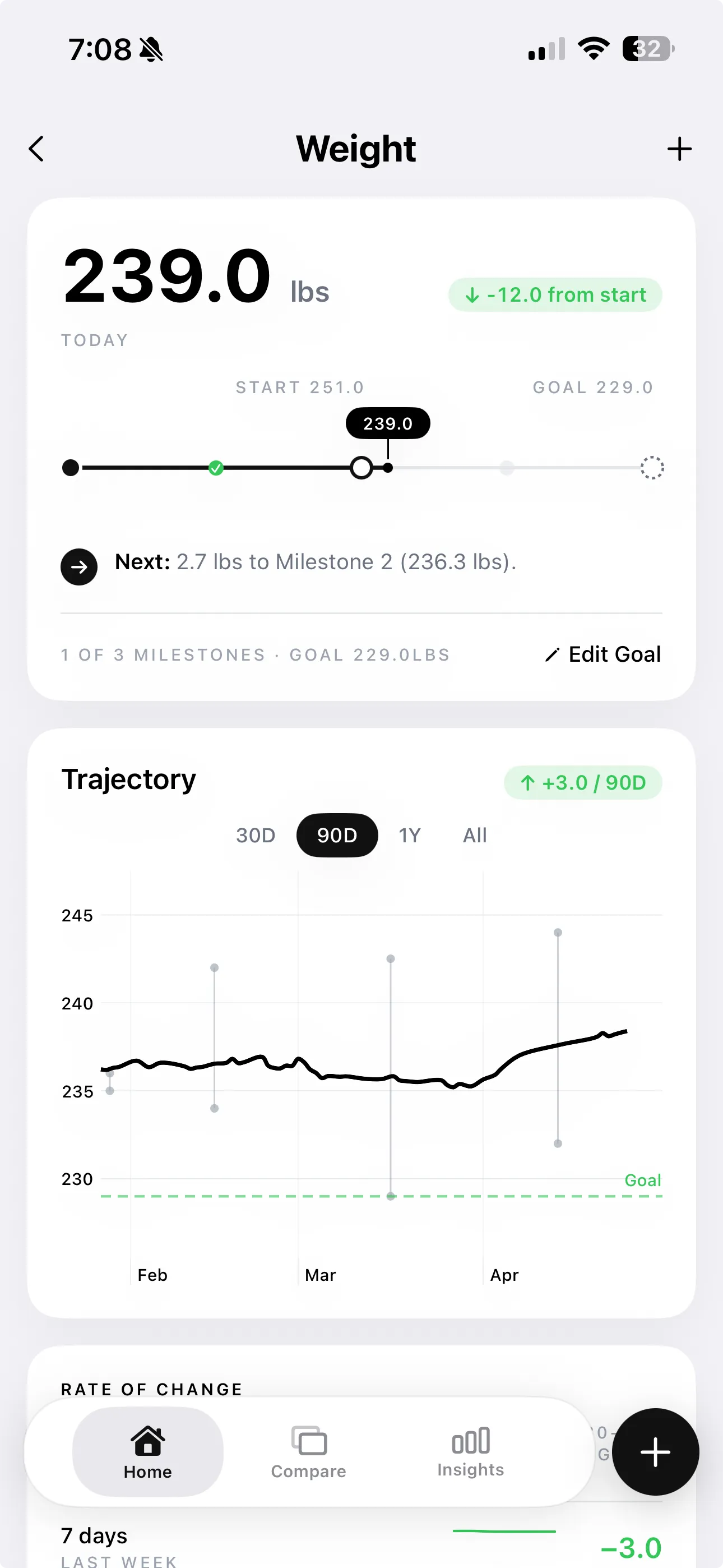
Read the scale beside physique changes, not in isolation.
This is a workflow comparison, not a scorecard. It shows how much assembly is left to you after the photo is taken.
| What you need | Camera roll | Scale only | One-off AI photo tools | GainFrame |
|---|---|---|---|---|
| Aligned photo comparisons | Manual | Missing | Partial | Built in |
| Trend context over time | Manual | Partial | Missing | Built in |
| Body metrics linked to the photo | Missing | Partial | Partial | Built in |
| Structured on-device photo history | Manual | Missing | Missing | Built in |
| Follow-up explanations | Missing | Missing | Partial | Built in |
“Partial” and “Manual” describe the typical workflow, not accuracy. One-off tools vary. GainFrame estimates are not medical measurements.
Reality check
In one documented head-to-head, GainFrame estimated 19% body fat and DEXA measured 18.6%. One user's test—not a validation study.
Photos are sent securely for AI analysis and are never stored outside your device by GainFrame. Coach history stays on-device.
No cloud account is required to use the app. Your weekly trend does the real work over time.
Use guided front, side, and back poses with consistent framing.
Review estimated body fat, FFMI, lean mass, and muscle scores.
Connect the photo to your available lifts, recovery, and nutrition.
In one documented head-to-head against a clinical DEXA scan, GainFrame's estimate agreed within 0.4 percentage points (DEXA: 18.6%, GainFrame: 19%). That is one user's test, not a peer-reviewed or multi-person validation. Consistent weekly conditions make the trend the most useful part.
No. DEXA still provides bone density and absolute visceral-fat measurements that a photo app cannot. GainFrame is designed for convenient at-home physique tracking between check-ins.
When available, Coach can use your check-ins, body metrics, Apple Health data, Hevy workouts, Strava activity, nutrition logs, and selected comparisons. You can inspect the sources in the app.
Photos are sent securely for AI analysis and are never stored outside your device by GainFrame. No cloud account is required, and Coach conversation history is stored on-device only.
Yes. Smart Import classifies old photos by pose and builds a continuous transformation timeline without manual sorting.
Your progress starts here
Start free with one check-in. Your future trend starts there.
Download GainFrame