Fix Your Progress Photos

Body Comp comic · April 10, 2026 · 6 slides

To accurately track fitness progress, take photos from a consistent angle using a tripod or shelf. Use overhead or side lighting to reveal muscle definition, and maintain relaxed, unflexed poses across all shots.
The GainFrame mascot holds a vintage camera, introducing a guide on improving fitness progress photos.
GainFrame Guy. How to fix your progress photos.
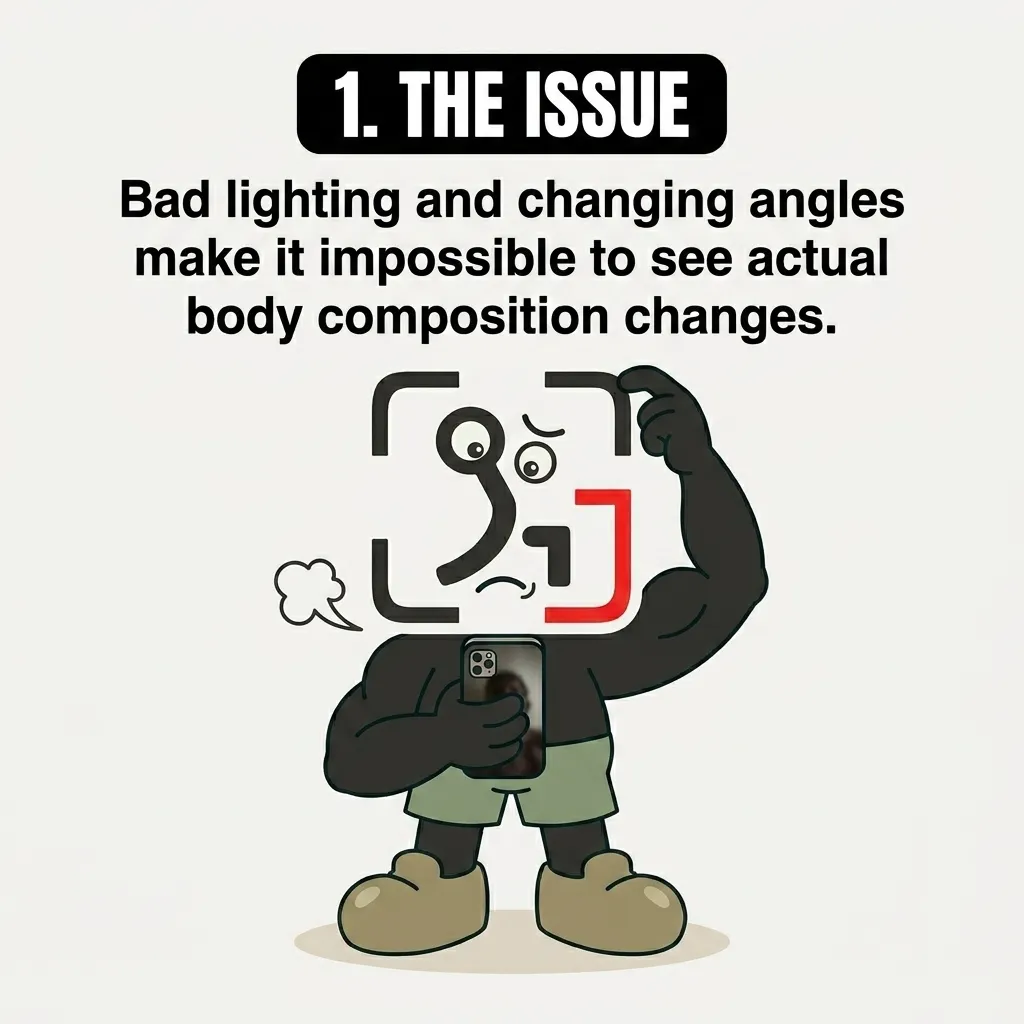
The GainFrame mascot looks confused while holding a smartphone, illustrating how bad lighting and angles obscure physical changes.
1. The issue. Bad lighting and changing angles make it impossible to see actual body composition changes.
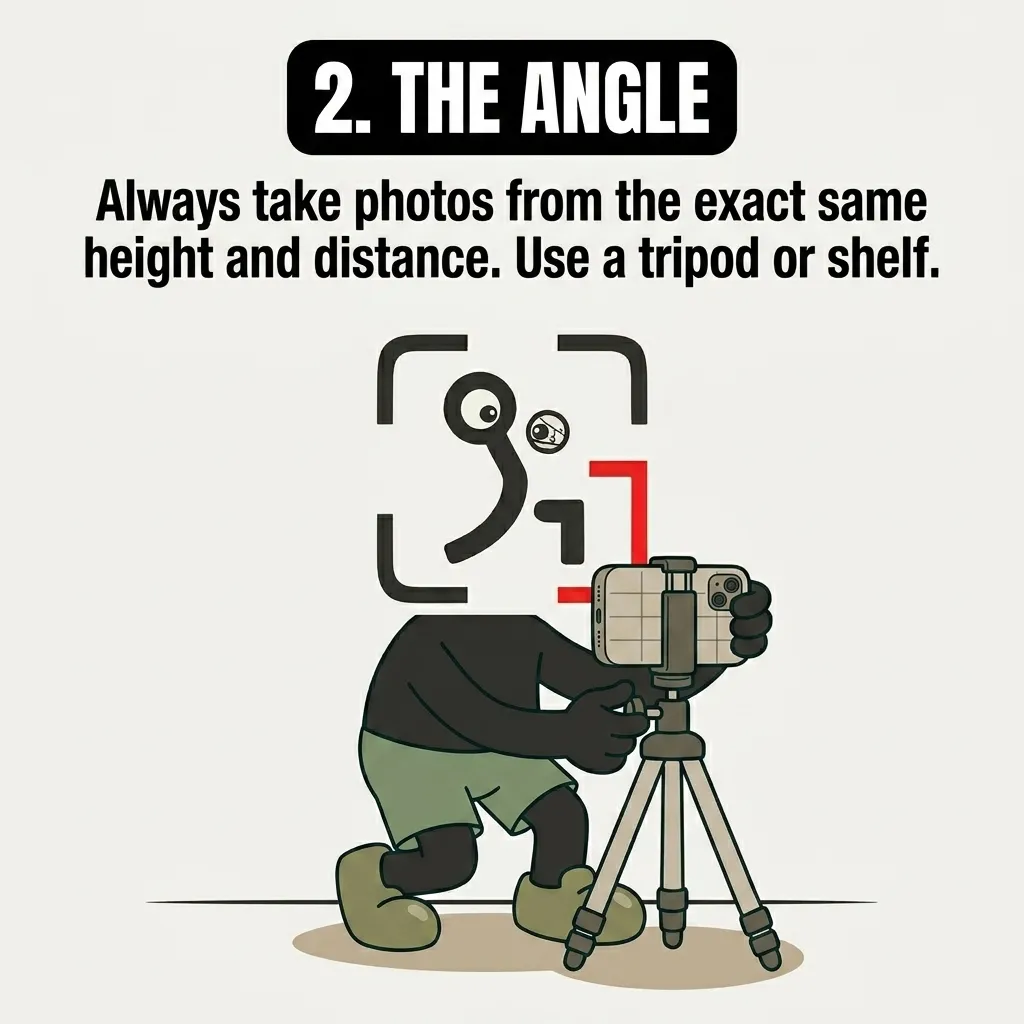
The GainFrame mascot sets up a smartphone on a tripod to show the importance of consistent photo angles.
2. The angle. Always take photos from the exact same height and distance. Use a tripod or shelf.
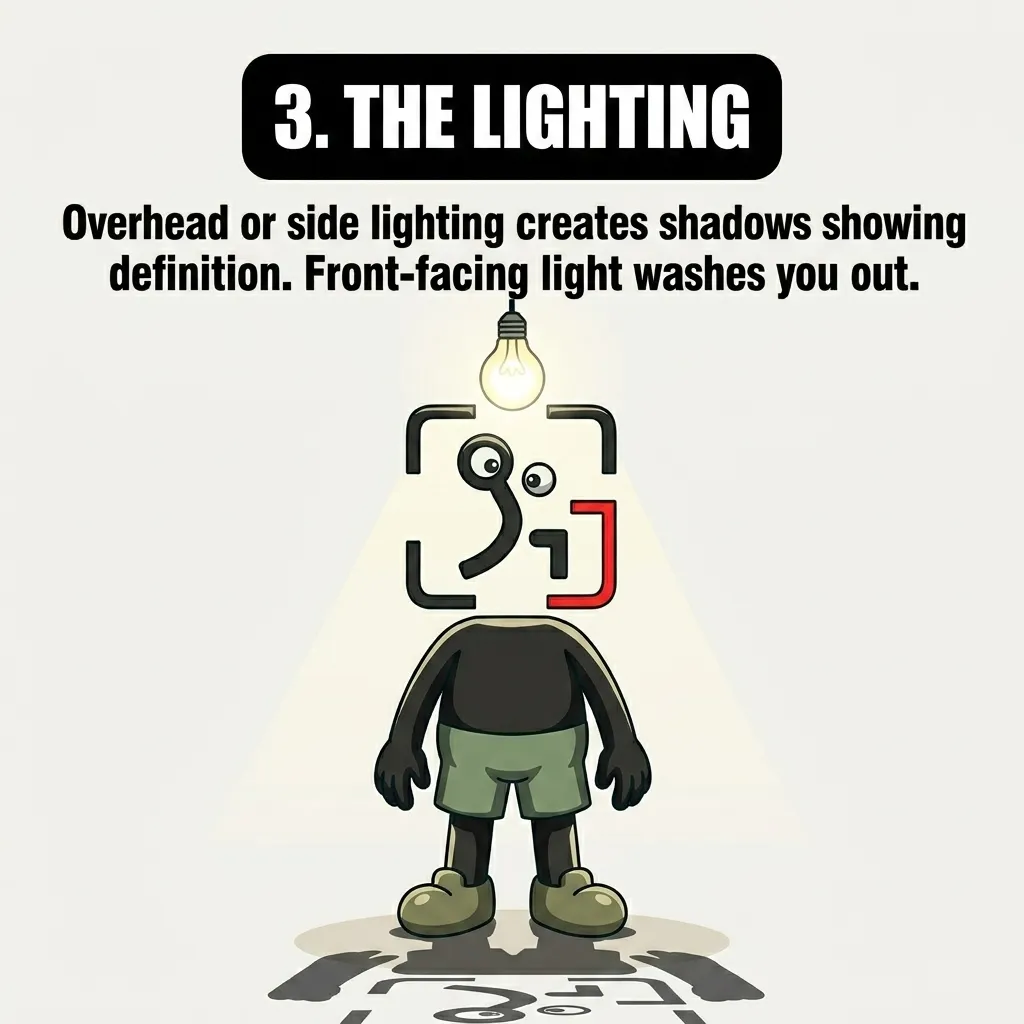
The GainFrame mascot stands under an overhead lightbulb, demonstrating how top-down lighting highlights muscle definition.
3. The lighting. Overhead or side lighting creates shadows showing definition. Front-facing light washes you out.
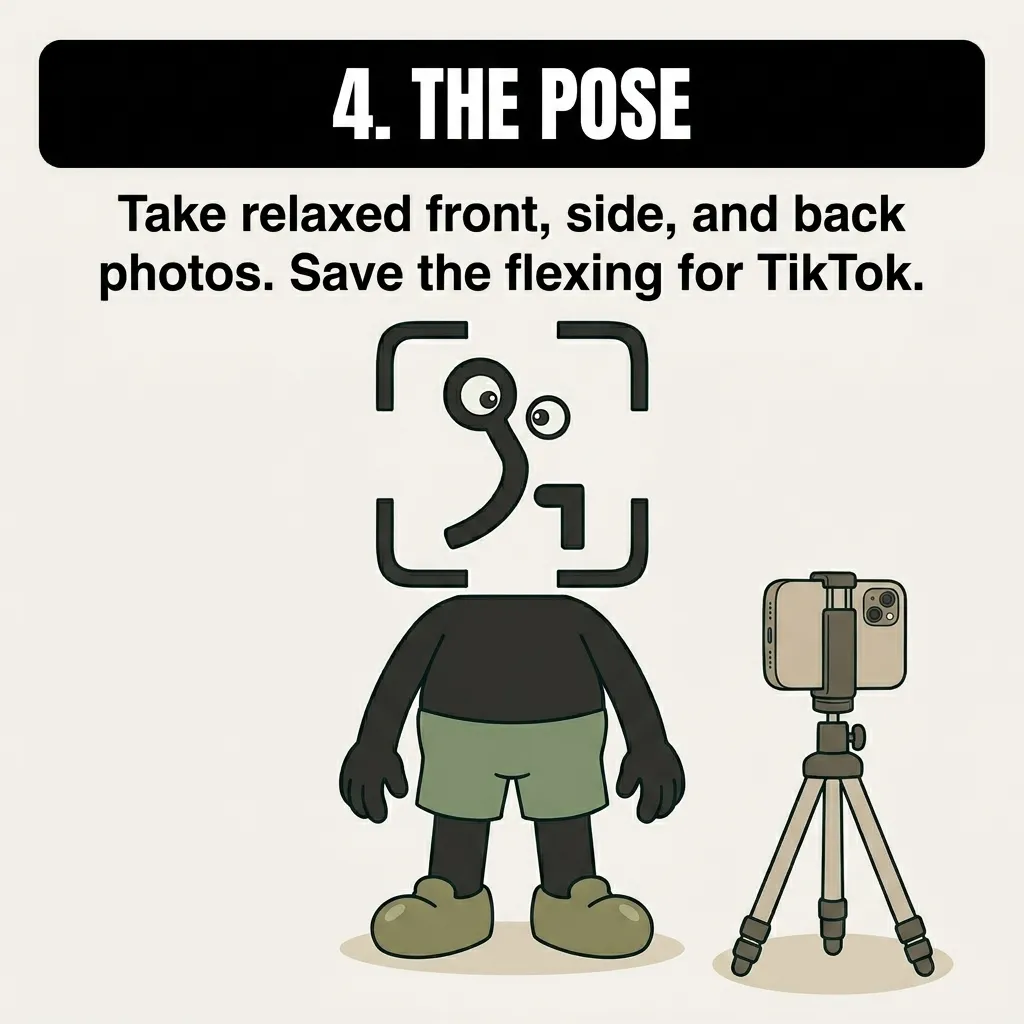
The GainFrame mascot stands relaxed in front of a camera tripod, emphasizing the need for natural, unflexed poses.
4. The pose. Take relaxed front, side, and back photos. Save the flexing for TikTok.
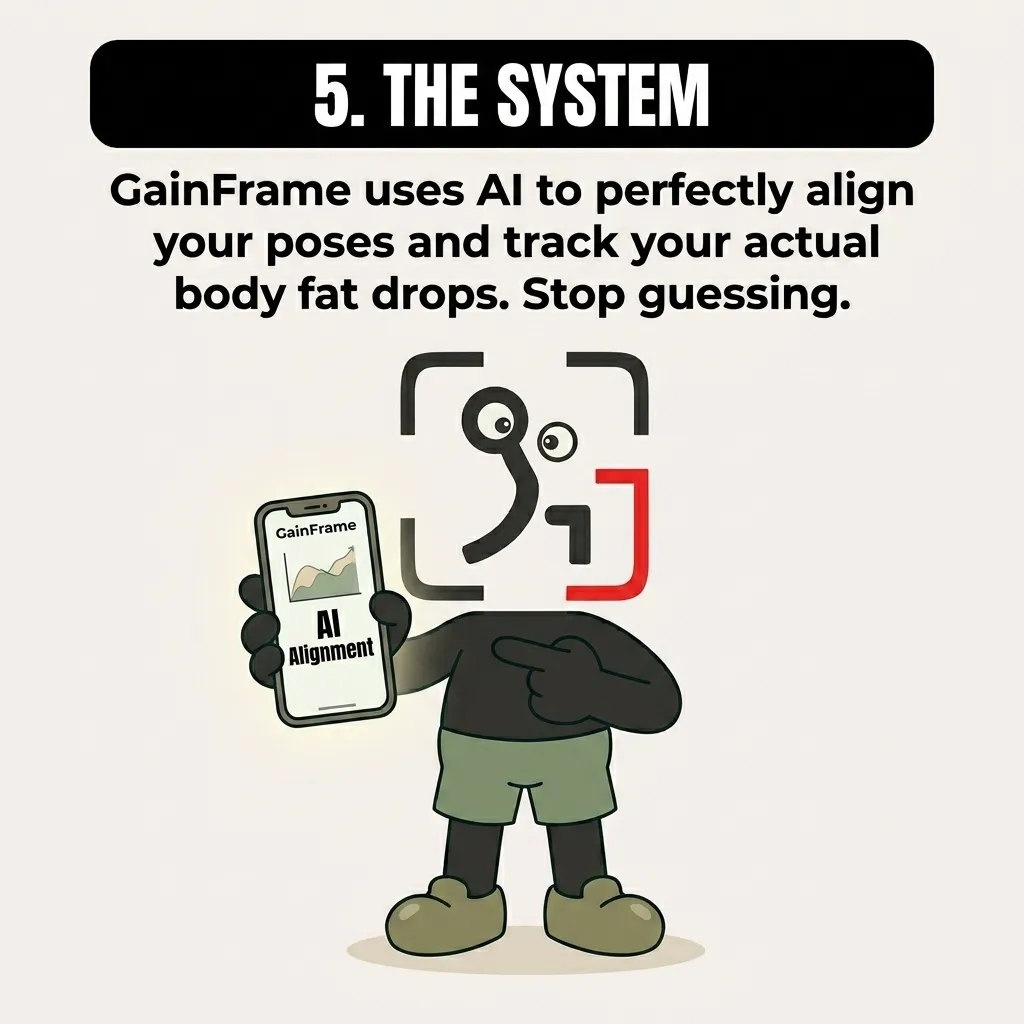
The GainFrame mascot points to a smartphone displaying the GainFrame app, showcasing AI-powered pose alignment.
5. The system. GainFrame uses AI to perfectly align your poses and track your actual body fat drops. Stop guessing. GainFrame. AI alignment.

Like the comics? The app does the tracking.

GainFrame turns progress photos into body fat estimates, muscle scores, and honest trend lines — the stuff these comics keep nagging you about. Free to start on iOS.

Download GainFrame Free