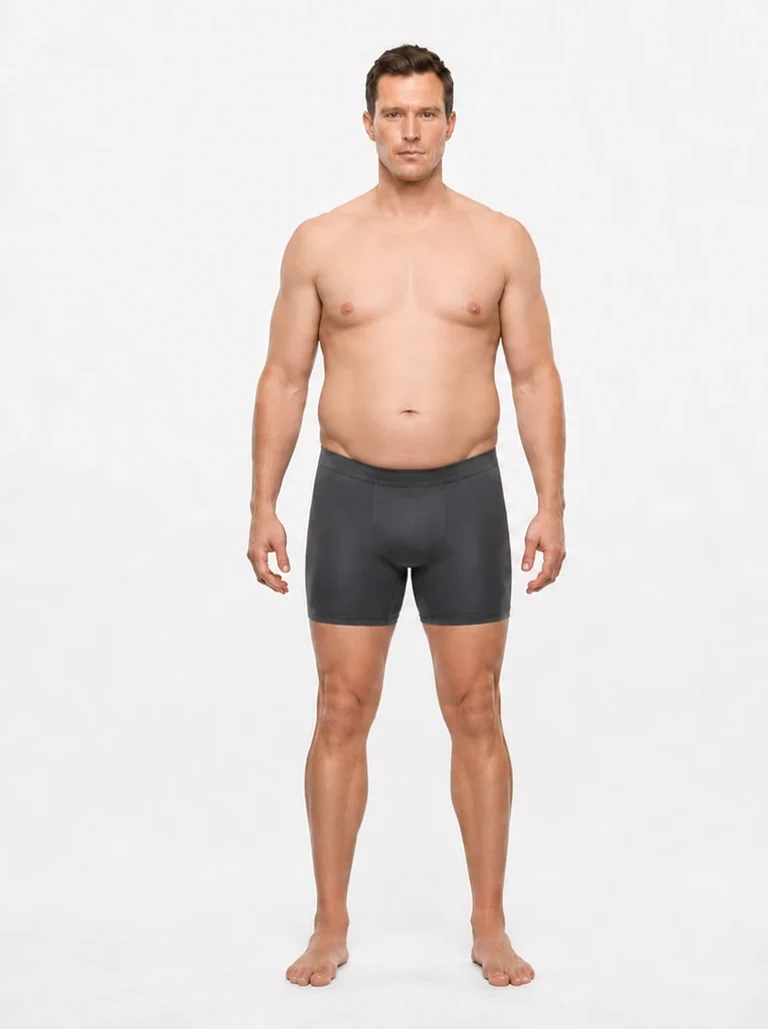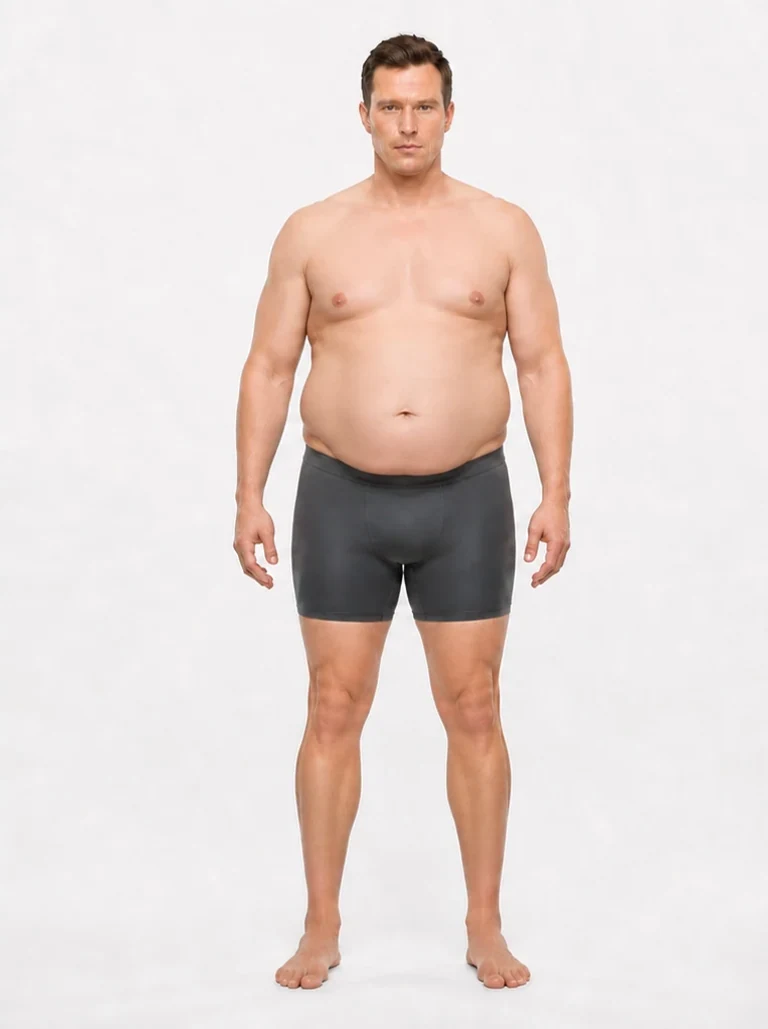
ReferenceImproves accuracy
Privacy: photo sent to Google's AI for the analysis call only · Not stored, not used to train models.
Upload one gym pic. AI reads the visual cues and returns a body fat estimate in seconds. No tape, no calipers, no signup.
ReferenceImproves accuracy
Privacy: photo sent to Google's AI for the analysis call only · Not stored, not used to train models.
Process
Step 01
Front-facing, torso and limbs visible. Tight clothing or shirtless gives the AI more visual information to read.
Step 02
Body fat ranges differ meaningfully between male and female physiques. Selecting yours improves the estimate.
Step 03
An estimated percentage with a low, medium, or high confidence label. Use it as a rough starting point, not a measurement of small weekly changes.
Accuracy & Methodology
A photo can provide a rough starting estimate, but lighting, posture, clothing, and individual fat distribution affect the result. This tool does not directly measure fat or diagnose health conditions. Its low, medium, or high confidence label describes the model's assessment of the photo, not a statistical error range.
In our internal DEXA comparison, we tested 36 front-view photo states with DEXA labels removed and repeated each estimate three times. The tested configuration missed the DEXA value by an average of 3.77 percentage points; 29 of 36 averaged results were within 5 points. These were female photo states from about 27 individuals, not 36 independent participants or an independent clinical trial.
Those results describe the configuration in that study. The free browser tool uses a separate estimation workflow, so the study does not establish its error range. Read the full method and limitations before comparing the numbers. For ongoing tracking, the GainFrame iOS app supports multi-angle check-ins and photo comparisons; keep your setup consistent and look for changes across several check-ins.
Prefer circumference measurements? Try our U.S. Navy body fat calculator. For a comparison of measurement methods and their limitations, see our DEXA alternatives guide.
Common questions
Treat one photo as a rough estimate, not a measured body fat percentage. Lighting, pose, clothing, and body shape affect the result. GainFrame has published an internal DEXA comparison, but that study does not establish a guaranteed error range for this free browser tool. A confidence label is not a statistical confidence interval.
No. Your photo is sent to Google's AI service for the analysis call only. It's not stored on GainFrame's servers and not used to train AI models. The image is processed and discarded.
The web tool offers 3 free estimates per user, with a maximum of one per day, to keep AI compute costs sustainable. For ongoing check-ins, the GainFrame iOS app adds a photo timeline, comparisons, and multi-angle body fat estimates. App features and usage limits depend on your plan.
Use a clear front-facing photo with even lighting, a relaxed pose, and your torso, arms, and upper legs visible. Fitted workout clothing makes your outline easier to assess. Avoid filters, flexing, and wide-angle distortion. Face-only photos and loose clothing do not provide enough information for a useful estimate.
Yes. The tool offers male and female reference options because visible fat distribution differs. Choose the appropriate reference before uploading. The result is still approximate: a photo cannot directly measure body composition, and individual anatomy can differ from the reference patterns.
Yes. This AI body fat calculator estimates a percentage from one photo instead of tape-measure inputs. The U.S. Navy method uses circumference measurements and a formula. Both are estimates with different sources of error; neither measures fat directly. Our free Navy calculator is another option if you prefer using measurements.
Browse the spectrum
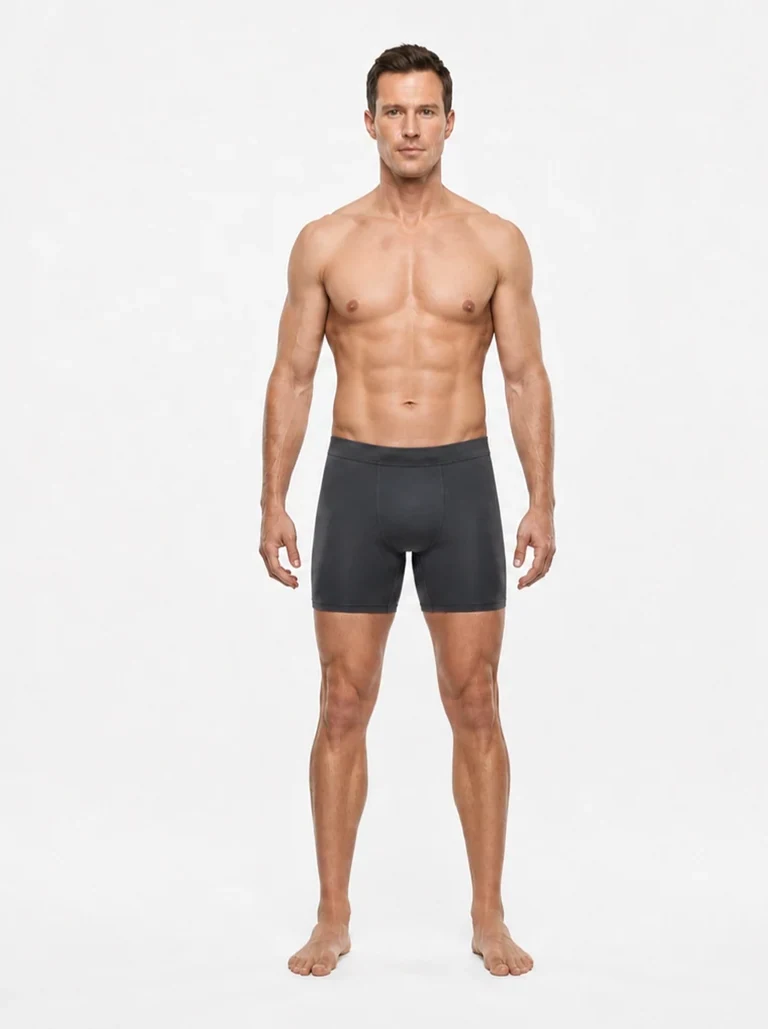
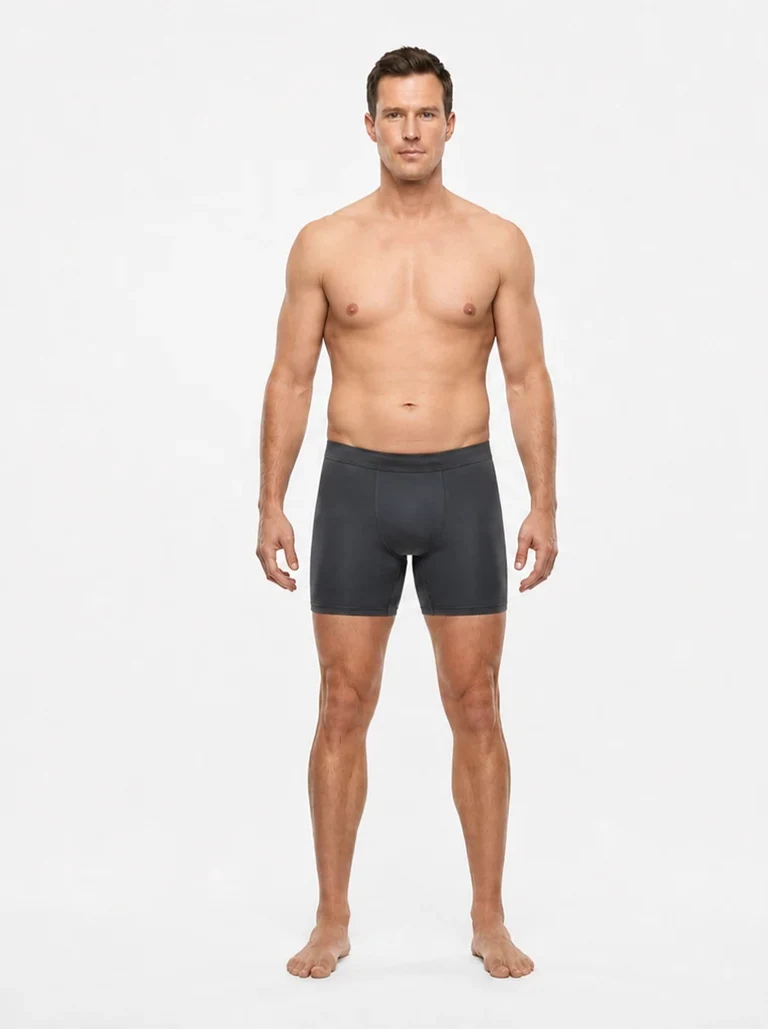
These are standardized reference physiques from our body fat visualizer — the same build, pose, and lighting at every level, so the only thing changing between images is body fat. Tap any figure to explore every percentage from 8% to 40%, across ages 20s to 60s.
Open the Body Fat Visualizer →Every level, male & female, ages 20s–60sRelated tools