
Quick answer: For coaching progress reports, shortlist Styku for a scanner-based ecosystem, SNAP by Fit3D for tablet-based body scanning, and ABC Trainerize for coaching with photos and recorded measurements. These are different workflows. A photo check-in is not automatically an AI measurement or a 3D scan. Verify capture requirements and reporting in a demo.
A client photo, a tape measurement and a reconstructed body scan can all appear in a progress report. They do not come from the same process. Choosing software gets easier when you decide what clients will actually capture, where they will capture it, and how you will explain the result.
Research basis: Current publisher documentation was checked September 24, 2026. We have not run a comparative accuracy trial or purchased these business platforms. Images below come from the publishers. The cover is a concept illustration, not a product screenshot. Michael Rode, founder of GainFrame, wrote this guide.
Which platform fits your coaching workflow?
| Platform | Published capture workflow | Best reason to shortlist it | Verify before purchase |
|---|---|---|---|
| Styku | Dedicated 3D scanner with analytics and a client app | In-person assessments with an established scanning workflow | Hardware, site requirements, staff workflow and report access |
| SNAP by Fit3D | Tablet-based capture with cloud processing | Body scanning without the legacy dedicated scanner | Supported devices, capture conditions and the current subscription |
| ABC Trainerize | Client photos and recorded body measurements within coaching software | Remote coaching where check-ins matter more than a 3D model | Client upload experience, measurement entry and report sharing |
This table does not imply that the products have equivalent accuracy or are interchangeable. It separates the jobs they advertise so you can request the right demonstration.
What does Styku provide?
Styku describes an ecosystem with body-scanning hardware, Studio analytics and a client-facing mobile app. The site positions Studio around visualizing progress, managing data and reporting across locations. Its mobile app presents scan results to clients; downloading it does not turn an ordinary phone photo into a Styku hardware scan.
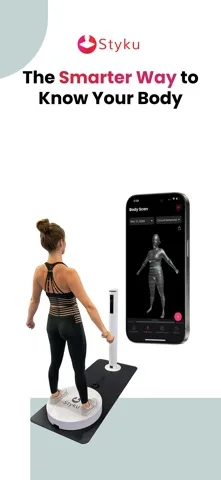
Styku publisher image from its US App Store listing, checked September 24, 2026. The image shows the scanner and client-result workflow.
Best fit: a gym or studio that can support in-person scan appointments. Main tradeoff: fitting the equipment, client preparation and staff process into daily operations. During a demo, follow a scan through both the coach and client views rather than reviewing only the sales dashboard.
The Styku iOS listing describes viewing results from its scanning ecosystem. Our Styku accuracy guide gives further context for interpreting measurements and estimates.
How is SNAP by Fit3D different?
Fit3D's current website promotes SNAP as tablet-based scanning with cloud processing and a subscription model. This differs from the legacy ProScanner hardware workflow still discussed in older reviews. Its current business-software page also emphasizes client progress reports and business tools.
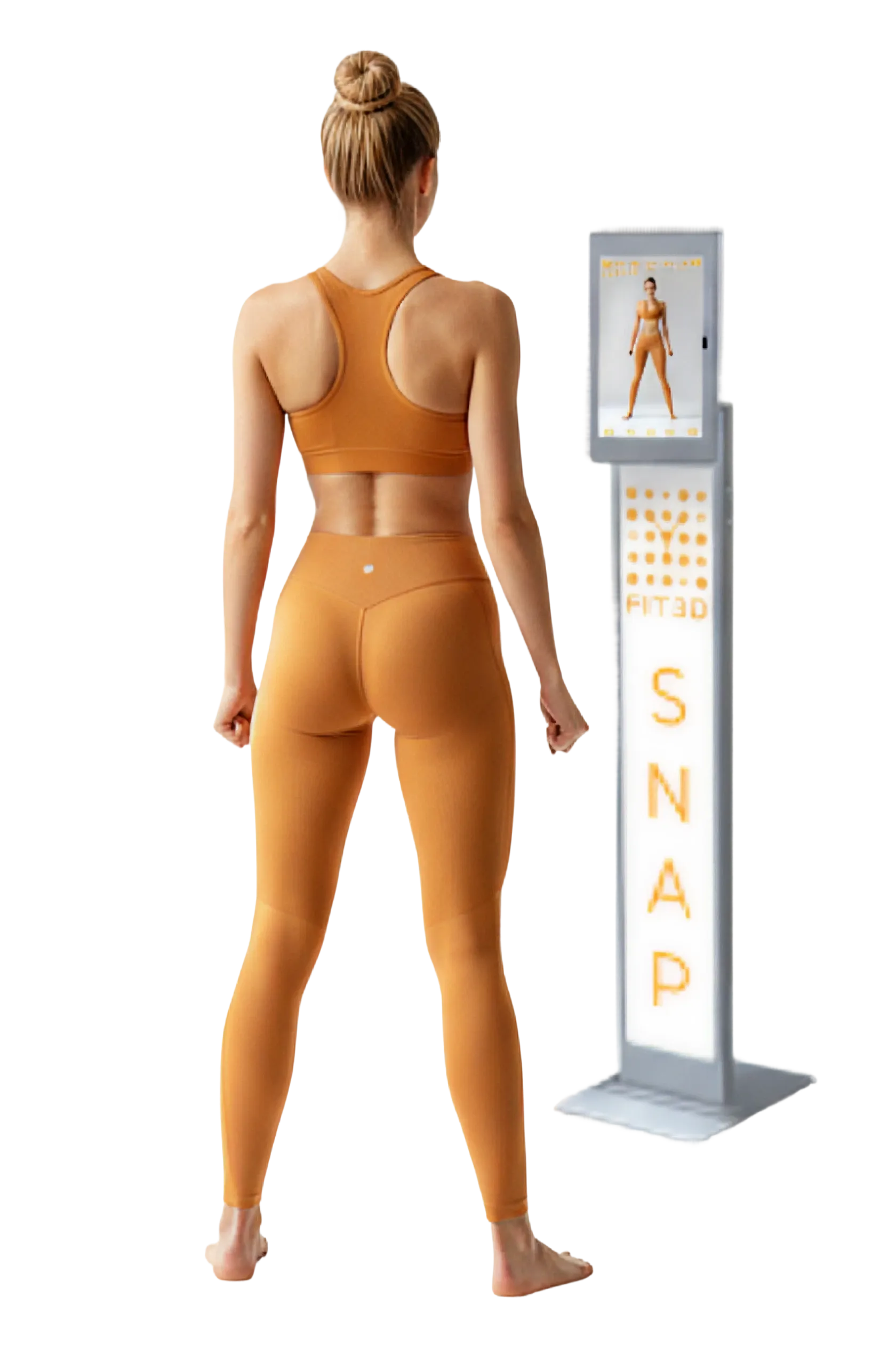
Current SNAP publisher image from Fit3D.com, checked September 24, 2026. Product capabilities and accuracy statements remain publisher claims.
Best fit: a business investigating a capture workflow that avoids a dedicated scanning machine. Main tradeoff to verify: what device, operator involvement and capture conditions the current service requires. Tablet-based does not automatically mean every client can scan alone on any phone at home.
Ask for a live demonstration on a supported device and request the exact report your clients would receive. If the vendor cites validation, check that it applies to the current capture system and output you plan to use. We have not independently verified the website's accuracy or revenue claims.
When is ABC Trainerize enough?
Trainerize's progress-tracking documentation describes recording measurements and progress photos alongside coaching. That may cover the practical need when you want a client to submit consistent check-ins and discuss progress without arranging a scan appointment.
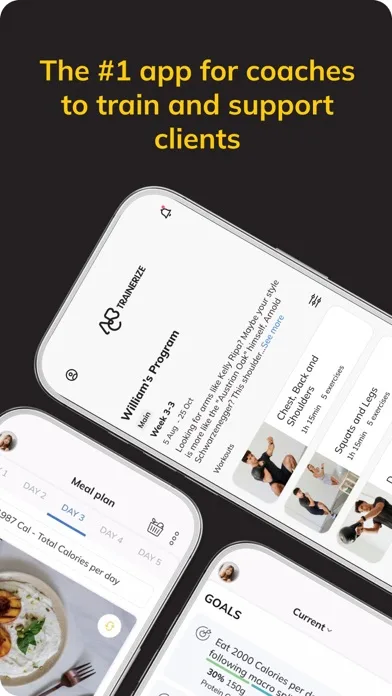
ABC Trainerize publisher image from its US App Store listing, checked September 24, 2026. This coaching interface is not evidence of automated body scanning.
Best fit: remote coaching built around exercise, communication and client-entered progress records. Main limitation for this comparison: the cited workflow does not establish automatic extraction of measurements from photos or a native 3D scan. Ask for a demonstration if a seller claims an additional integration provides those features.
See the ABC Trainerize iOS listing for the client app. The subscription decision belongs at the business-account level; the existence of a free client download does not establish free coaching software.
Which questions should you ask about photo AI and measurements?
Start with the exact input and output. A model can estimate a body-fat value from a photo without reconstructing a 3D surface or producing validated circumferences. A system that captures a 3D surface can still estimate body composition using a separate model.
Ask the vendor to show which outputs are measured, calculated or estimated, and what the validation study actually compared. Request information about repeatability, the population studied and supported capture conditions. An attractive visualization or a decimal place is not an accuracy study.
Our body-composition app guide covers personal tracking options. A coach managing client accounts has additional needs: permissions, consent, exports and continued access to records if the subscription ends.
What should a platform demo include?
| Demo task | Evidence to request |
|---|---|
| Add a client and explain consent | The actual consent and access screens |
| Complete the normal capture process | Required clothing, space, device, assistance and retry steps |
| Repeat the capture under the same conditions | How much variation appears before claiming progress |
| Compare two dated records | Units, source method, original measurements and change display |
| Share a client report | The exact view or export the client receives |
| Remove a staff member or client | Access changes, deletion options and retained records |
| End the contract | What data you can export and any continuing access costs |
Use a staff volunteer who consents to the demo. Keep demonstrations out of public marketing unless that person separately agrees. Report access and data ownership are part of product fit, especially when clients share body images.
How should you compare the total cost?
Request a written quote with the same business assumptions for each vendor: locations, staff, active clients, scan volume, onboarding and required devices. Include any export or integration work needed to fit your coaching process. A subscription price alone may not reflect the service you need to deliver.
Choose the least complicated workflow that answers your client's question. If consistent photos and recorded measurements are enough, a coaching platform may be sufficient. If a scan adds information you can explain and use, evaluate its capture method and report as a complete service.
For our own planned coach offering, the GainFrame trainers page describes founding access. It is not included as an established replacement for the platforms above.
What else should you know?
Which coaching platforms track progress with body scans?
Styku describes a scanner, analytics and client-app ecosystem, while SNAP by Fit3D currently promotes tablet-based scanning. ABC Trainerize supports a different workflow based on coaching, photos and recorded measurements. Verify the capture process and the exact client report before treating those options as equivalent body-scanning platforms.
Does uploading progress photos automatically produce body measurements?
No. Photo storage, visual comparison, AI estimation and 3D reconstruction are separate capabilities. Ask the vendor to demonstrate the output you need and identify whether it is measured or estimated. The ability to upload a photo alone does not establish automated circumference measurement or body-composition accuracy.
Does Fit3D still require a dedicated scanner?
Fit3D currently promotes SNAP as a tablet-based service with cloud processing, which differs from its legacy ProScanner workflow. Confirm supported devices, capture conditions and subscription requirements for the current product. Do not use an older hardware review as the specification for the service you are buying now.
Can remote clients use these platforms without visiting a gym?
That depends on the capture method. A hardware-scan workflow requires access to the equipment, while a photo check-in can be completed remotely. Tablet-based scanning still needs its own device and operating requirements checked. Ask for an end-to-end demonstration of the exact at-home process you intend to offer.
What makes a useful client progress report?
A useful report shows dates, units, measurement methods and comparable records, with estimates clearly identified. It should help you explain the result and any uncertainty in plain language. Also check client access, exports and permissions so the report remains usable within your coaching workflow and data-handling commitments.