
Quick answer: Hevy suits lifters who want straightforward workout logging, shared routines, and private progress photos. Jefit suits people who value its exercise and routine libraries. Compare current free limits and device support before choosing. Both record training and body data; photo analysis is a separate capability, with its own estimation limits.
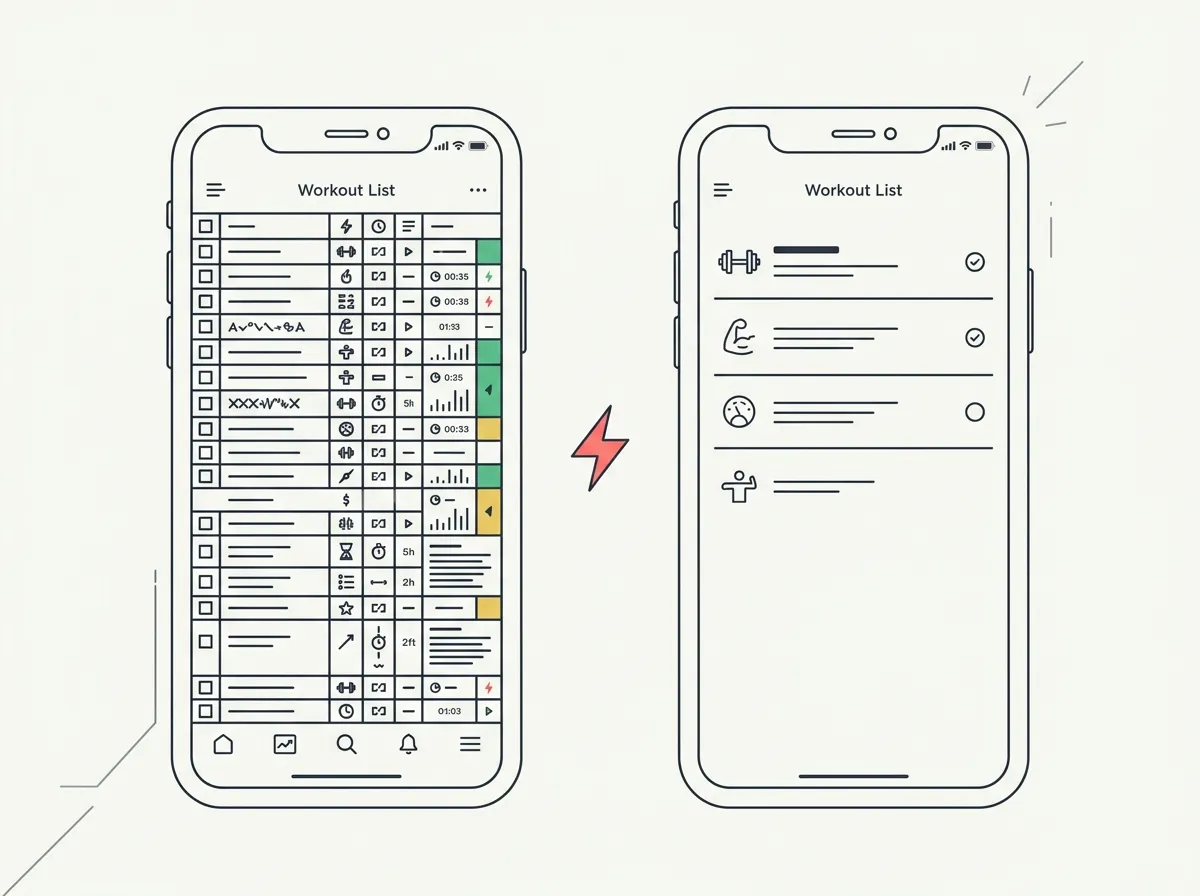
You have a four-day split to save and months of old lifts to keep. Both Jefit and Hevy let you record sets, reps, and the changes you are working toward. The useful question is which one fits your actual routine: finding exercise instructions, repeating a saved session, checking a previous lift, or sharing a workout with a friend.
This comparison uses current product documentation and US App Store listings, checked October 9, 2026. It does not claim a timed usability test or an independent ranking of every exercise database. For the other common logging comparison, see Hevy vs Strong.
What does Jefit offer for workout planning?
Jefit's current iOS listing advertises more than 1,400 exercises with video or animation instruction. It also lists custom workouts, supersets, rest timers, set types, and ready-made bodybuilding programs. That gives you several ways to start a session without designing every movement from scratch.
The listing also describes adaptive plans and recommendations for weights and reps, with premium training tools under Elite. If exercise instruction and a program library are your priorities, check that your equipment and preferred split are represented before subscribing.
Jefit records more than workout volume. Its listing includes body weight, entered body fat and circumference measurements, and progress photos attached to workouts. Those records can sit alongside your estimated one-rep max and training charts.
What does Hevy offer for everyday logging?
Hevy combines workout logging with shared routines and a social feed. You can use those social features for training partners or keep your profile private. Its exercise library includes demonstrations, and custom exercises let you add movements missing from the catalog.
The current Hevy feature guide lists four saved routines and seven custom exercises on the free tier. Pro expands those limits and adds longer statistics history, additional measurements, and Hevy Trainer's guided programming. Both free and Pro support Apple Watch and Wear OS workouts.
That makes a practical trial straightforward: enter one normal training week and see whether your routine count, equipment, and preferred watch workflow fit. A four-day split and a rotating six-session plan can encounter different limits even when both involve four gym visits per week.
How do their features compare?
| Feature | Jefit | Hevy |
|---|---|---|
| US App Store rating | 4.76 from 46,910 ratings | 4.92 from 96,852 ratings |
| Exercise instructions | 1,400+ exercises advertised in its iOS listing | Hundreds of exercises plus custom entries |
| Programs and routines | Built-in programs, custom workouts, premium adaptive planning | Saved and shared routines; Trainer with Pro |
| Free limits | Free download with core logging; Elite unlocks premium tools | 4 routines, 7 custom exercises, 3 months of statistics history |
| Body records | Weight, entered body fat, measurements, workout photos | Weight, waist, private photos; additional measurements with Pro |
| Photo comparison | Progress photos documented; compare the installed workflow | Previous-photo overlay and side-by-side comparison documented |
| Watch support | Apple Watch documented in the iOS listing | Apple Watch and Wear OS documented |
| Import into Hevy | No supported direct Jefit import documented by Hevy | Strong CSV import in English with kilograms |
Ratings are a snapshot from Apple's US lookup API on October 9, 2026, for Jefit and Hevy. Ratings describe user feedback in that storefront; they do not measure logging speed or establish which app will suit you.
What should you check about price and ads?
Jefit's US iOS description lists Elite at $12.99 monthly or $69.99 annually on the date checked. Hevy offers monthly, annual, and lifetime Pro options through its subscription flow. Confirm the checkout price and included features on your device, since storefronts and offers can differ.
Jefit's own pages give conflicting signals about ads: its workout-app page says free to start with no ads, while the FAQ on that same page advertises an ad-free experience as an Elite benefit. That evidence does not support a blanket claim that every current free user sees ads. Check the version and tier you intend to use.
Hevy's iOS listing describes the app as ad-free. Its Pro upsell and feature limits are still relevant to the choice. Try the free logging workflow before deciding which paid extras you need.
How do photos and body measurements fit alongside workout logs?
Both apps document progress photos and body records. Hevy's measurement and photo guide specifically describes private photos, an overlay of the previous photo for alignment, and a comparison view. Photos remain private unless you choose to share them in a post.
Entered body fat values and circumference measurements are records you supply. Saving or comparing photos is a separate function from estimating body composition from an image. The cited documentation does not establish an AI photo-based body fat estimate for either app.
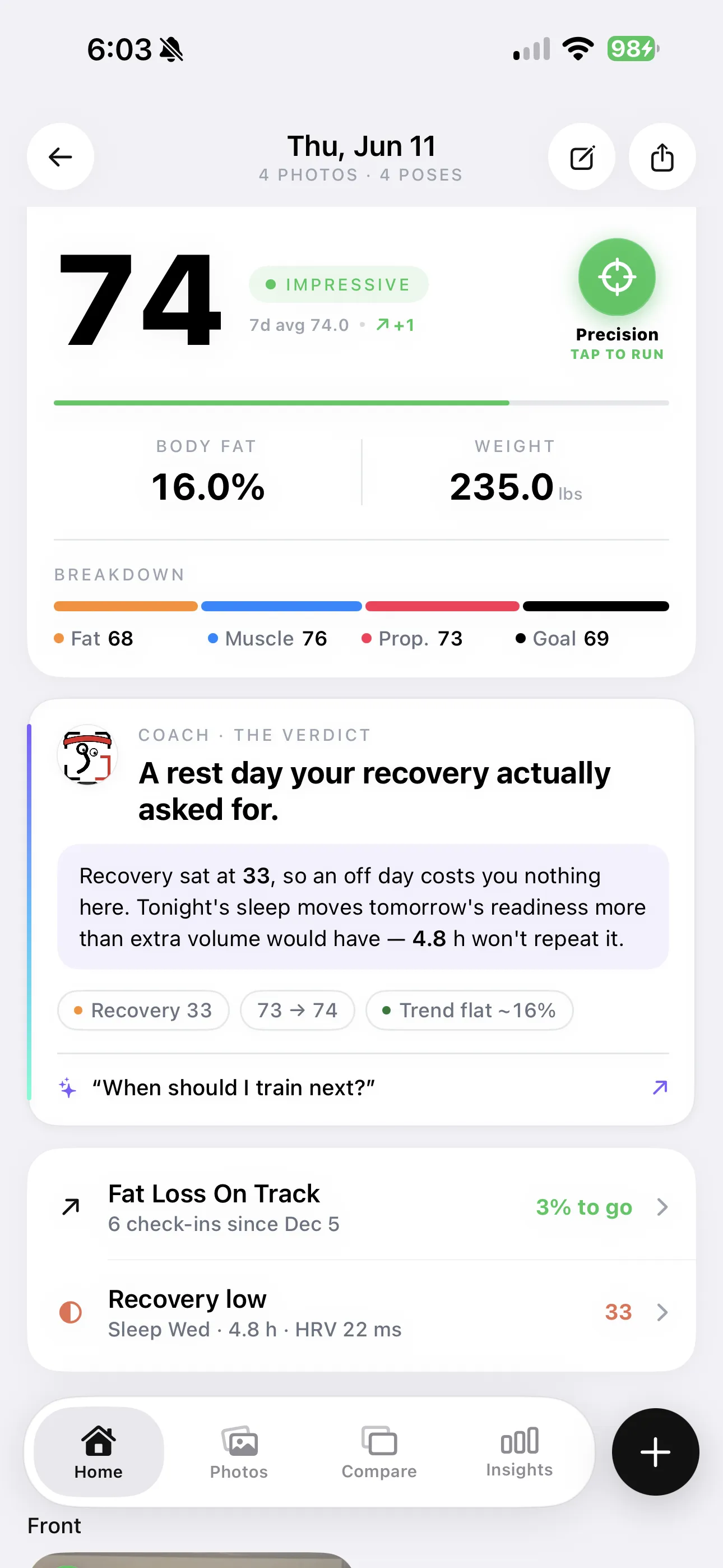
Photo analysis produces estimates influenced by the image and model. It does not directly measure body fat or replace a clinical assessment.
If you want to connect Hevy workouts with photo check-ins, GainFrame offers that integration. You can also try a photo-based physique estimate to see the separate analysis workflow. Treat those outputs as uncertain estimates; lighting, framing, and posing can affect the result.
Can you move your history from Jefit to Hevy?
Hevy's import documentation supports Strong CSV files in English with kilograms. It says other app exports would need adapting to that format and does not offer support for those conversions. A CSV extension alone does not mean a Jefit export will import correctly.
Keep an original copy of any available export, and test a small converted sample before relying on a migration. Check dates, exercise names, units, and set counts against the original log. Keep access to your old history until you have verified the records you need.
Which app should you try first?
Try Jefit first if a large exercise-instruction library and ready-made programs are central to your training. Check a few exercises you actually perform and inspect the plan you would follow.
Try Hevy first if shared routines, private photo comparisons, and its documented watch options fit your week. Confirm whether four free saved routines cover your split or whether you need Pro.
For either app, use one normal week as the trial:
- Save the routines you actually follow.
- Record a session and change an exercise.
- Review a previous workout on your preferred device.
- Add the measurements or photos you want to keep.
What else should you know?
Is Jefit or Hevy better?
Hevy is a reasonable starting point for shared routines, straightforward logging, and private photo comparisons. Jefit is worth trying for its exercise instructions and program library. Choose using your own routine count, devices, and preferred workflow. App Store ratings are useful context, but they cannot determine which app fits your training.
Is Jefit free?
Jefit is free to download and provides core workout logging, with an optional Elite subscription for premium tools. Its US iOS listing showed $12.99 monthly or $69.99 annually when checked on October 9, 2026. Confirm the current checkout price and included features for your storefront before paying.
Does Jefit have ads?
Jefit's current public pages conflict: one says free to start with no ads, while its FAQ lists an ad-free experience among Elite benefits. That makes a universal claim about the free tier unreliable. Check the installed version and plan you intend to use; Hevy's iOS listing describes its app as ad-free.
Can I switch from Jefit to Hevy without losing my data?
Do not assume a direct transfer is supported. Hevy documents imports from Strong CSV files in English with kilograms. Other exports would need conversion to that format, which Hevy does not support. Keep your original history, test any conversion carefully, and verify exercise names, dates, units, and sets before relying on it.
Do Jefit or Hevy track body composition or progress photos?
Both apps document progress photos and entered body measurements. Hevy includes private photos, a previous-photo overlay, and a comparison view; Pro expands the measurements available. Jefit lists body weight, body fat, circumferences, and workout photos. These recording features should be distinguished from AI photo analysis, which produces estimates with separate limitations.
Keep workouts beside your photo check-ins
Connect Hevy sessions with a visual progress record. Review photo-based estimates with their limitations alongside your training history.
Download GainFrame Free