
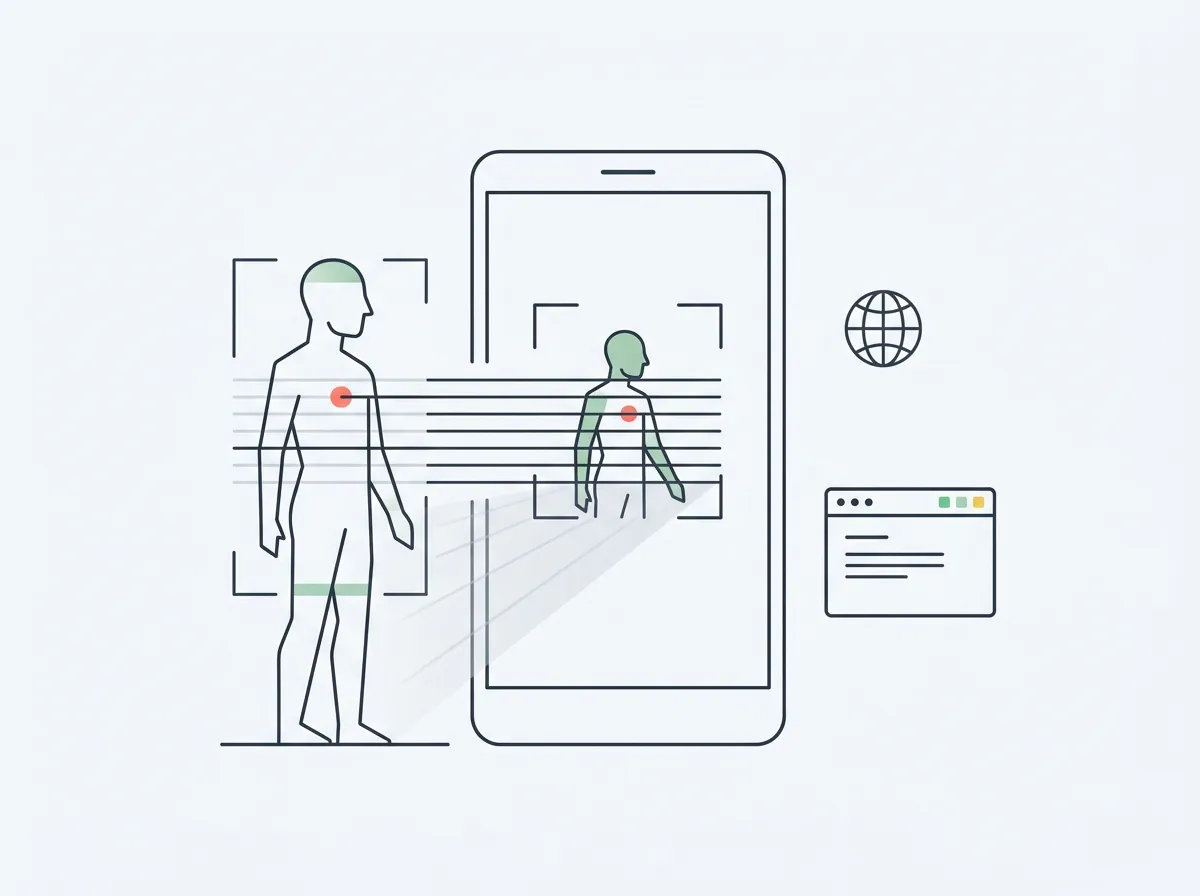
Quick answer: Most headline AI body fat apps — including GainFrame — are iOS-only. On Android, your real options are MeThreeSixty (free 3D scan with 14+ measurements), ZOZOFIT (suit-free scanning), the Renpho ecosystem (BIA scale plus app), or browser-based photo analyzers like our free web tool, which work on any Android phone.
Here's a frustrating afternoon: you read a roundup of AI body fat apps, pick the one that sounds best, open the Play Store — and it's not there. Try the next one. Also not there. A surprising share of the body-scanning apps people recommend in 2026 ship on iOS only, and most articles on this topic never mention it.
This post is the straight version. We build one of those iOS-only apps, so we hear the "is there an Android version?" question constantly — it shows up in our own search traffic weekly. The honest answer is worth a full page: what actually runs on Android, what each option is good at, and where the iOS-only apps (ours included) fit into the picture.
Why are so many AI body fat apps iOS-only?
Mostly economics, not spite. Many body-composition apps are small-team or solo-developer products, and the paying market for premium health apps has historically skewed heavily toward iOS — so that's where small teams ship first, and often only. Supporting a second platform roughly doubles the build-and-test surface for a fraction of the revenue.
The practical consequence for you: the Android field is thinner, but it's not empty. It splits into three lanes — native 3D-scanning apps, hardware-plus-app ecosystems, and browser-based analyzers that sidestep the platform question entirely.
What body fat scanning options actually work on Android?
The honest map, before the details:
| Option | Android? | Method | Price |
|---|---|---|---|
| MeThreeSixty | Yes — native app | 3D scan (2 poses) | Free; Premium ~$5/mo |
| ZOZOFIT | Yes — native app | 3D scan, suit-free | Free plan; Premium ~$3.99/mo |
| Renpho ecosystem | Yes — app + scale | BIA (electrical) | ~$30+ scale, free app |
| Web photo analyzers | Yes — any browser | AI photo analysis | Free–paid, varies |
| GainFrame | No — iOS only | AI photo analysis | Free / $5.99 mo (iOS) |
1. MeThreeSixty — the top native Android pick
Platform: iOS & Android · Price: Free (five-scan history; Premium around $5/mo)
If you want a real body-scanning app installed on an Android phone, this is the one. MeThreeSixty is built by Size Stream, a company that makes professional body-scanning hardware, and it turns two quick poses into a 3D avatar with 14+ estimated circumference measurements — waist, hips, chest, arms — processed on-device. The scan itself is free; the free tier keeps your five most recent scans.
The trade-off: the avatar is a smoothed mesh. It captures shape and measurements, not muscle definition or leanness detail. We compare it against the wider field in our body scanning apps roundup and head-to-head in MeThreeSixty vs GainFrame.
Best for: Android users who want tape-free measurements tracked over time. Limitations: measurement estimates, not definition; five-scan free history.
2. ZOZOFIT — suit-free 3D scanning
Platform: iOS & Android · Price: Free plan; Premium has been offered around $3.99/mo (annual pricing near $29.99/yr) — check the listing, pricing has shifted over time
ZOZOFIT dropped its infamous polka-dot suit requirement — scanning now works with the phone camera and tight-fitting clothing — and added a free plan. You get a 3D body model with measurements and body fat estimates tracked over time, in a more polished consumer package than most competitors.
The scan ritual is real, though: propped phone, specific poses, tight clothes. If that cadence suits you, it's a solid Android citizen. If not, the alternatives are ranked in our best ZOZOFIT alternatives post.
Best for: Android users who want the most polished 3D-scan experience. Limitations: subscription for the full feature set; scan setup takes effort.
3. Renpho ecosystem — hardware plus app
Platform: Android & iOS app · Price: scales from roughly $30
Renpho's Android app is genuinely good, and paired with one of its BIA scales you get body fat estimates from a ten-second morning weigh-in — no posing, no photos. For pure habit-formation, stepping on a scale is hard to beat.
The caveat is the method. Foot-to-foot bioelectrical impedance models your whole-body composition from an electrical current, and hydration, meals, and time of day commonly swing the body fat reading by 2–4 points. Treat it as a trend tool under consistent conditions, not a precise instrument. If the number-jumping bothers you, we've ranked the fixes in best Renpho alternatives.
Best for: effortless daily trend data on Android. Limitations: BIA physics — the body fat number is the least reliable thing the scale reports.
4. Browser-based photo analyzers — the platform-agnostic lane
Platform: any browser, including Android · Price: free to paid, varies by tool
The quiet workaround to the whole iOS-only problem: AI photo analysis that runs on the web. Tools in the LeanLens mold analyze an uploaded photo and return a body fat estimate from any browser — the platform stops mattering entirely.
Full disclosure: we make one of these. Our free body fat from photo tool is built by GainFrame, runs in any Android browser, and returns an AI body fat estimate from a single photo — no install, no account, one scan per day. It exists precisely because the app is iOS-only and Android users kept asking.
Best for: a quick AI estimate on Android with zero install. Limitations: browser tools are single-shot estimators — you won't get the tracking history a native app builds.
What about GainFrame on Android?
Straight answer: GainFrame is iOS-only, and there's no Android version planned. It's a solo-developer app, and staying on one platform is what keeps the pace of updates sustainable. We'd rather tell you that plainly than let you hunt the Play Store for an app that isn't there.
What we'd honestly recommend instead: if you're on Android and want a native scanning app, MeThreeSixty is the pick — free, credible technology, real measurement tracking. If what you wanted from GainFrame was specifically the AI-photo-estimate part, the free web tool is the same core idea and works on any phone. And if you're a two-phone household or eyeing a switch someday, the full iOS field is covered here.
How accurate are body fat apps on Android?
The same as everywhere else: they're estimates, and the method determines the failure mode. 3D scans (MeThreeSixty, ZOZOFIT) are sensitive to clothing, posture, and lighting. BIA scales (Renpho) are sensitive to hydration and timing. Photo analyzers are sensitive to lighting, pose, and image quality. None of them is DEXA, and accuracy varies by tool, conditions, and body type.
The practical move is the same for all of them: pick one method, keep the conditions consistent, and read the multi-week trend instead of any single number. A consistent estimate tracked over twelve weeks beats a precise measurement taken once.
Frequently asked questions
Is there an AI body fat app for Android?
Yes, though the field is thinner than on iOS. MeThreeSixty (free 3D scanning with 14+ measurements) and ZOZOFIT (suit-free 3D scanning) both run natively on Android. Browser-based photo analyzers also work on any Android phone — no install needed. Several of the most recommended AI photo apps, including GainFrame, remain iOS-only.
Does GainFrame work on Android?
No. GainFrame is iOS-only and there is currently no Android version planned. For a native Android app, MeThreeSixty is the closest alternative for scan-style measurements. GainFrame's free web tool at gainframe.app/tools/body-fat-from-photo does work in any Android browser — it estimates body fat from a single photo without an install or account.
What is the best free body fat scanner app for Android?
MeThreeSixty is the strongest free native option: built by Size Stream, a professional body-scanning company, it turns two poses into a 3D avatar with 14+ measurement estimates, processed on-device. The free tier keeps your five most recent scans. Free browser-based photo analyzers are the zero-install alternative for a quick body fat estimate.
Can I estimate body fat from a photo on Android?
Yes — through the browser. Web-based analyzers run the same kind of AI photo analysis as iOS apps, but in Chrome or any mobile browser, so the platform doesn't matter. Expect an estimate, not a measurement: lighting, pose, and photo quality all move the number. Taking photos in consistent conditions matters more than which tool you pick.
Are BIA scales like Renpho accurate for body fat?
They're consistent-ish trend tools, not precise instruments. Foot-to-foot bioelectrical impedance estimates whole-body composition from an electrical current, and hydration, meal timing, and time of day commonly move the reading by 2–4 points. Weigh in under the same conditions each time and watch the multi-week trend rather than trusting any single reading.
On Android? The web tool works on your phone right now.
GainFrame's free body fat estimator runs in any browser — upload one photo, get an AI estimate in about 30 seconds. No install, no account, works on every Android phone.
Try the Free Body Fat Tool