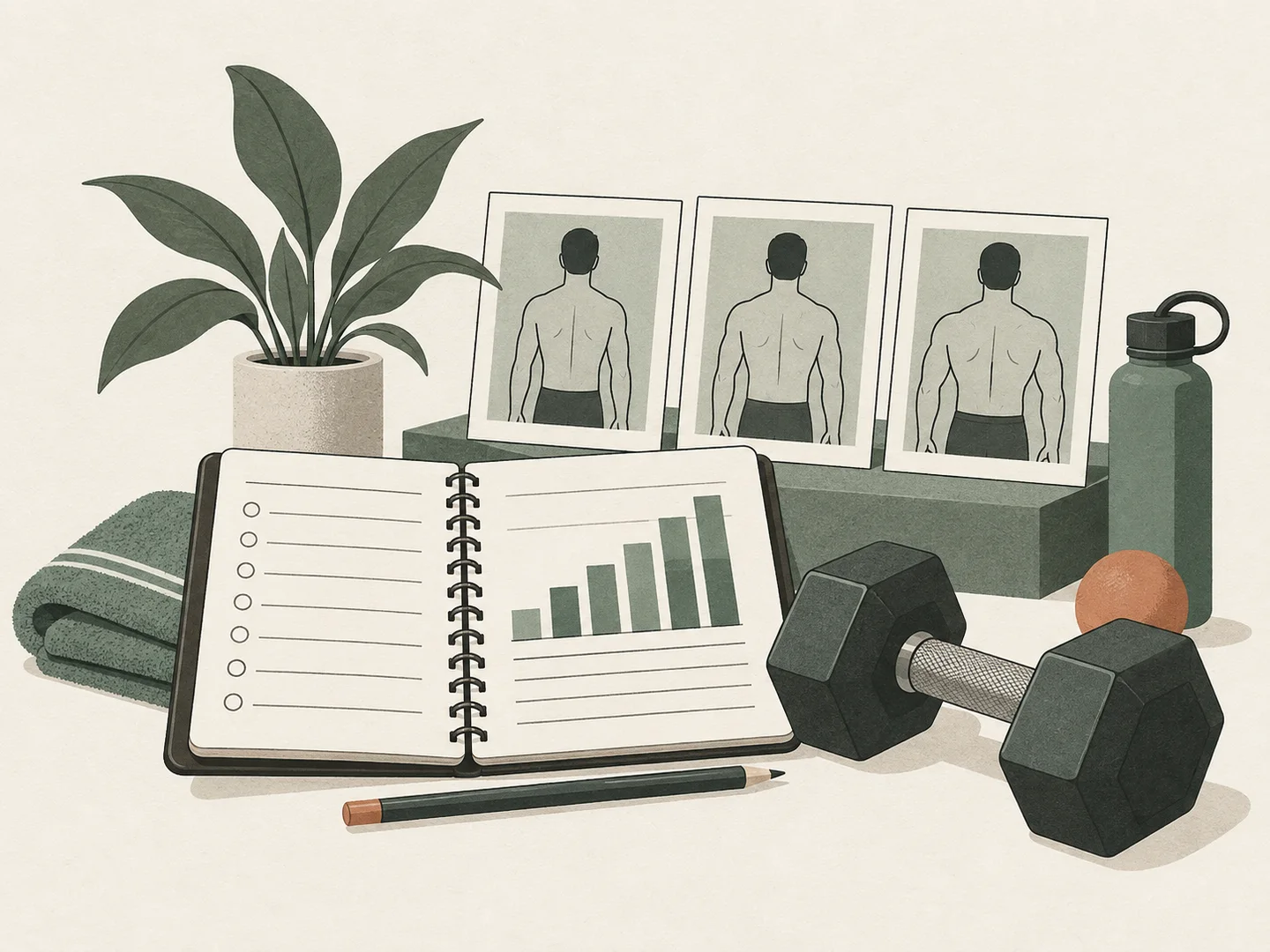
Put your history in order
Choose 3–24 photos. Move frames earlier or later and add optional dates. The order you see is the order you export.
Your check-ins, in sequence. Match the framing, set the pace, and turn the photos already on your device into a loop worth keeping.
Put your real check-ins in order. Match the frame and watch the series play.
3–24 photos · JPEG, PNG, WebP · 12 MB eachChoose 3–24 photos. Move frames earlier or later and add optional dates. The order you see is the order you export.
Use a shared zoom with individual positioning. A faint first-frame guide helps line up landmarks. Repeat pose, lighting and camera distance for useful comparisons.
Create a 480 × 600 GIF or a PNG contact sheet. Every animation frame is one of your photos. There are no invented in-between bodies or predicted outcomes.
Choose at least three photos, arrange them in order, and position each within the shared portrait crop. Set the interval, play the preview, then create and download a GIF. You can also save a still contact sheet of the sequence.
Yes. The editor decodes, aligns and exports images in your browser. Photo files, filenames, optional dates and face-cover positions are not sent to GainFrame. Closing the tab clears the working session.
Yes. Select a frame to add its optional date or cover a face or identifying detail. Regions are set independently for every photo. Review each frame before exporting; the editor does not automatically detect faces.
Add 3–24 JPEG, PNG or WebP files, each no larger than 12 MB or 32 megapixels. GIFs export at 480 × 600 with a choice of three playback speeds. HEIC, videos and MP4 export are not supported.
Try fewer frames or save the PNG contact sheet, which needs less encoding work. Keep the tab open until the file is ready. On iPhone, open the downloaded file and use the share menu to save it to Photos.
No. It plays your photos in order. Lighting, clothing, pose, exercise pump and camera distance can change appearance. It does not measure body composition or generate physical changes.