
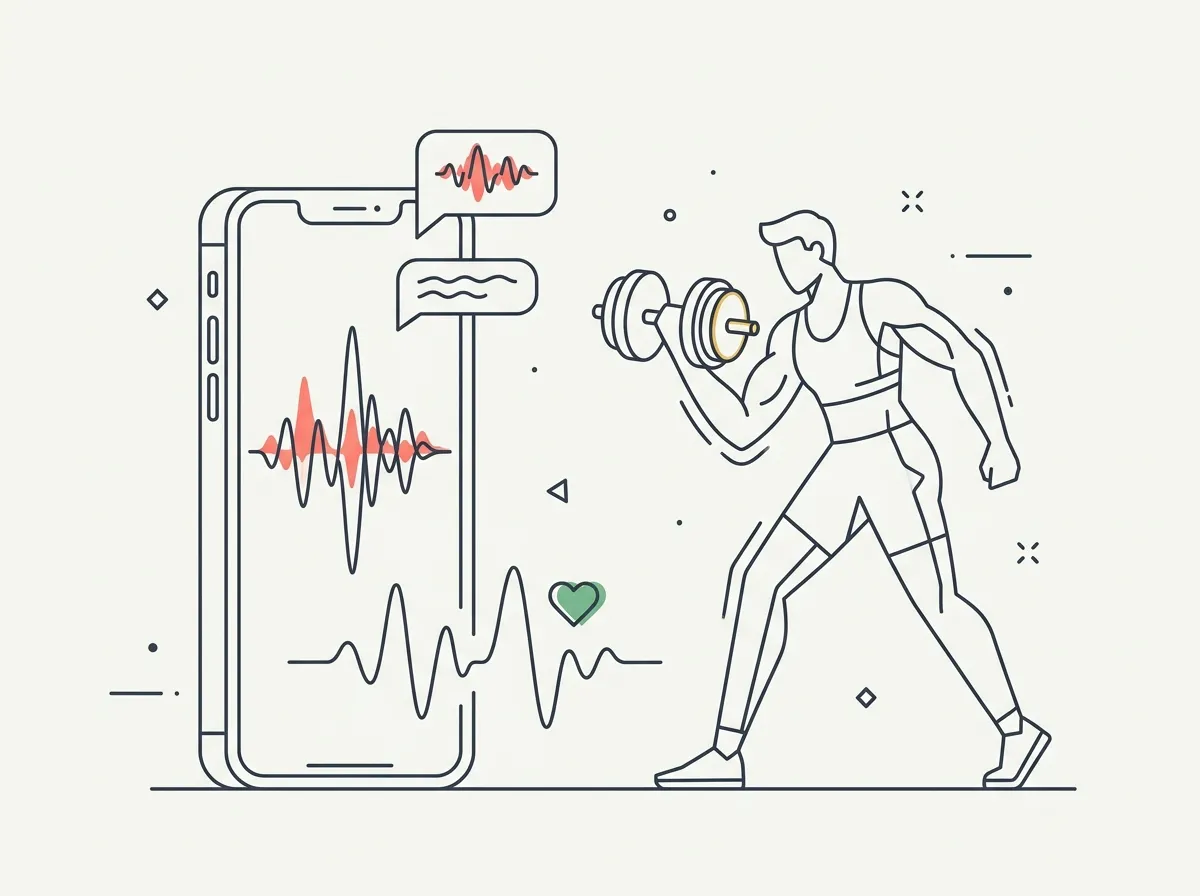
Quick answer: Ray is a voice-guided AI personal trainer for iOS — it talks you through strength sessions in real time, adapts mid-workout, and remembers what worked. Reviewers rate it ~4.8, but the user base is still small. Best for people who want active coaching, not a log. It doesn't track body composition — pair it with a physique tracker for that.
Every workout app asks you to stare at your phone between sets. Log the reps, check the next exercise, start the rest timer, scroll something while you wait. Ray's bet is that this is backwards — a trainer should talk, and you should lift.
That makes Ray genuinely different from the Fitbods and Hevys of the world, and it's why we included it in our four-way AI fitness app comparison: Fitbod plans the workout, Ray coaches you through it in real time. This review goes deeper on Ray itself.
What does the Ray app actually do?
Ray runs your strength session by voice. It tells you what's next, counts you through work, listens when you say the weight felt heavy, and adjusts on the spot. Between sessions it remembers — what you lifted, what you struggled with, what progressed — and programs forward from that.
Three things it does genuinely well:
- Hands-free sessions. The core promise holds: you can get through a workout without unlocking your phone. For gym-floor focus, that's a real upgrade.
- Mid-session adaptation. Telling your app "that was too easy" and having the next set change is the personal-trainer interaction pattern, not the logging-app one.
- Memory. Ray recalls previous sessions conversationally, which makes progression feel coached rather than templated.
Where is Ray thin?
Honesty section. Ray's App Store rating is excellent (~4.8) but the review base is small — a few hundred ratings against Hevy's 78,000+ or Strong's 108,000+. That means less real-world validation, a smaller exercise ecosystem, and the usual young-app rough edges. Voice-first is also a format bet: in a loud gym with no headphones, or for lifters who just want a fast log, it's friction rather than magic.
And the big structural gap for this site's readers: Ray coaches the input, not the output. It knows your sets and reps. It has no idea what your body looks like — no photos, no body fat estimate, no muscle-development scoring.
What should you pair Ray with?
If you're using Ray (or any trainer app) seriously, the missing half is visual results tracking. That's a different category — covered by progress-photo and body-composition apps.
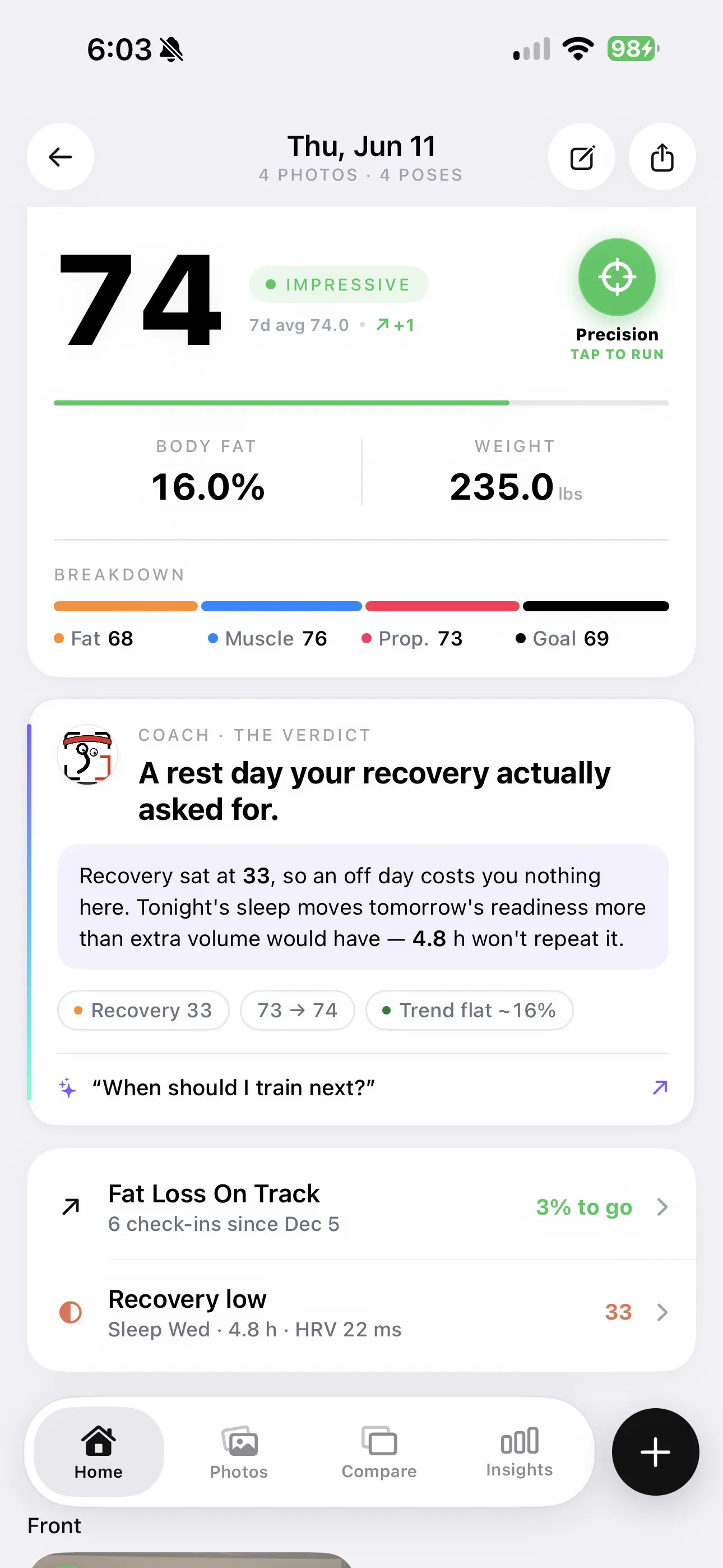
The other half of the loop: Ray coaches the session; a body-composition tracker like GainFrame scores what all those sessions produce.
GainFrame sits on the results side: weekly photo check-ins scored for body fat, FFMI, and 12 muscle groups, so the training Ray coaches shows up as measured visual change. They don't overlap at all — one is the workout hour, the other is the mirror.
Who should use Ray?
Use Ray if: you train alone, hate phone-logging, and the thing you'd pay a trainer for is the in-session guidance. It's the most personal-trainer-like AI experience in the category right now.
Skip Ray if: you already have programming you trust and just want a fast log (Hevy or Strong), or your main question is whether your body is changing (that's a composition tracker's job, not a trainer's).
The pairing that covers everything: a coach for the session, a log if you prefer silence, and a physique tracker for the results. Our best AI personal trainer apps roundup maps the whole category.
Frequently asked questions
What is the Ray fitness app?
Ray is a voice-guided AI personal trainer for iOS. Instead of a workout log you tap between sets, Ray talks: it guides you through strength sessions in real time, listens to your responses, adapts the workout as you go, and remembers what worked in previous sessions. The pitch is a personal-trainer experience at an app subscription price.
Is the Ray app worth it?
If phone-staring between sets is what kills your workouts, Ray solves a real problem and reviewers rate it highly (around 4.8 on the App Store). It's a young app with a small user base, so expect some rough edges and a thinner exercise ecosystem than Fitbod or Hevy. Try the free version before subscribing — voice coaching is a love-it-or-leave-it format.
How much does Ray cost?
Ray is free to download with a subscription for full access; pricing has shifted as the app develops, so check the current App Store listing. It positions itself against the cost of a human personal trainer — a fraction of $60–100 per session — rather than against workout-log apps.
Does Ray track body composition or progress photos?
No. Ray is a training-session app — it coaches the workout itself. It doesn't analyze physique photos, estimate body fat, or score muscle development. People who want that pair Ray (the input: training) with a body-composition tracker like GainFrame (the output: what your body looks like). The two categories don't overlap.
Ray vs Fitbod — which is better?
Different jobs. Fitbod is a workout planner: it programs your training based on recovery and equipment, and you log as you go. Ray is an in-session coach: the value is the real-time voice guidance while you train. Fitbod suits self-directed lifters who want programming; Ray suits people who want to be actively coached through the hour.
Track what the training produces
Whatever coaches your sessions, GainFrame scores the results — body fat, FFMI, physique score, and 12 muscle ratings from a weekly photo. Free to start on iOS.
Download GainFrame Free