
Quick answer: Peachy, Facetune and Body Editor offer body-reshaping features, with different mixes of portrait retouching and creative effects. Check the exact tool and export price before subscribing. Keep original photos for fitness tracking: an edited waist, added muscle or generated future physique cannot show how much your body has actually changed.
You might want to adjust a portrait, make a playful before-and-after image, or see whether your training is changing your physique. Those jobs start with a photo, but they need different tools.
This guide compares three current iPhone listings that advertise body reshaping. We checked developer descriptions, official feature pages and US App Store ratings on October 27, 2026. Screenshots are developer-supplied examples; this is a researched feature comparison, not a hands-on test of editing quality. We also make a progress-photo app, so the tracking section explains its limits as well as its use.
Which body editor fits the picture you want to make?
| App | Useful starting point | Published body tools | Payment check |
|---|---|---|---|
| Peachy | Portrait and body adjustments together | Body proportions, auto reshape and muscle effects | Free download; in-app purchases |
| Facetune | Reshaping within a broader photo/video editor | Reshape controls described on its official feature page | Free download; in-app purchases |
| Body Editor | Body proportions and creative effects | Waist, height and muscle/abs effects | Free download; in-app purchases |
These categories describe the advertised workflow. They are not a ranking of realism. A screenshot cannot establish whether a tool will handle your pose, clothing or background well.
1. What does Peachy offer for body edits?
iPhone listing: Peachy: AI Face & Body Editor. US rating: 4.85/5 from 178,839 ratings, checked October 27, 2026.
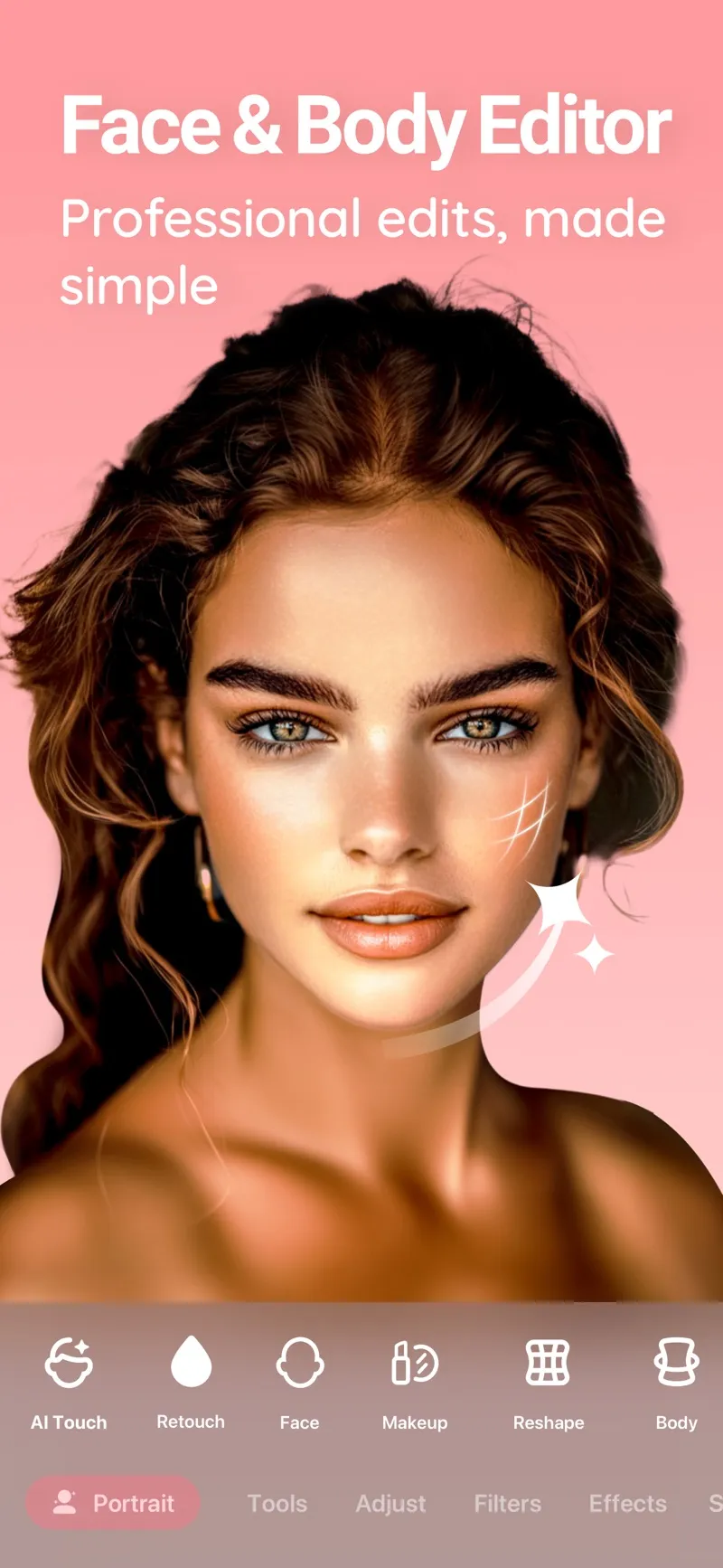
Developer screenshot showing the editing categories. The pictured portrait is a promotional example.
Peachy's listing describes manual body-proportion changes, automatic adjustments to areas such as the waist and shoulders, and added muscle effects. It also includes portrait retouching and standard image adjustments. That mix makes it a reasonable shortlist choice when you want to work on a portrait and the surrounding body image in one app.
Check before paying: find the exact reshape control you need and follow an example through to export. The listing alone does not establish which controls your current free plan includes. Preserve a separate original before changing proportions.
2. When does Facetune fit?
iPhone listing: Facetune: Photo & Video Editor. US rating: 4.62/5 from 380,487 ratings, checked October 27, 2026.
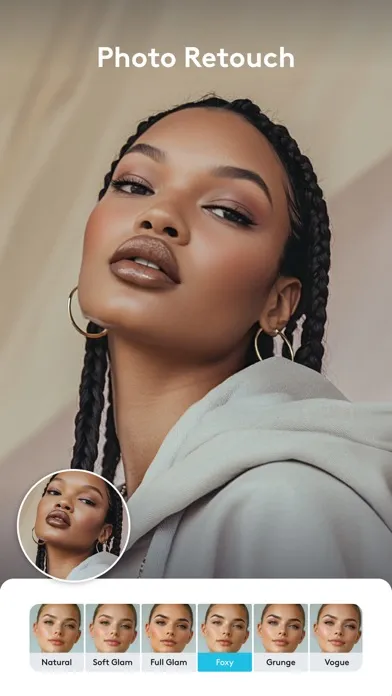
Developer screenshot of the broader portrait-editing interface. Body reshaping is described separately on Facetune's linked feature page.
Facetune's official reshape page describes adjustments to body and facial proportions. Its wider editor also covers portrait and video work. Consider it if reshaping is one part of a larger editing workflow you already need, rather than your sole reason for subscribing.
Check before paying: confirm that the advertised feature is available in the mobile app and plan you are buying. Web tools, mobile subscriptions and trial offers can have different boundaries. This review does not establish that every promoted tool is included in every purchase.
3. What does Body Editor focus on?
iPhone listing: Body Editor. US rating: 4.46/5 from 9,599 ratings, checked October 27, 2026.
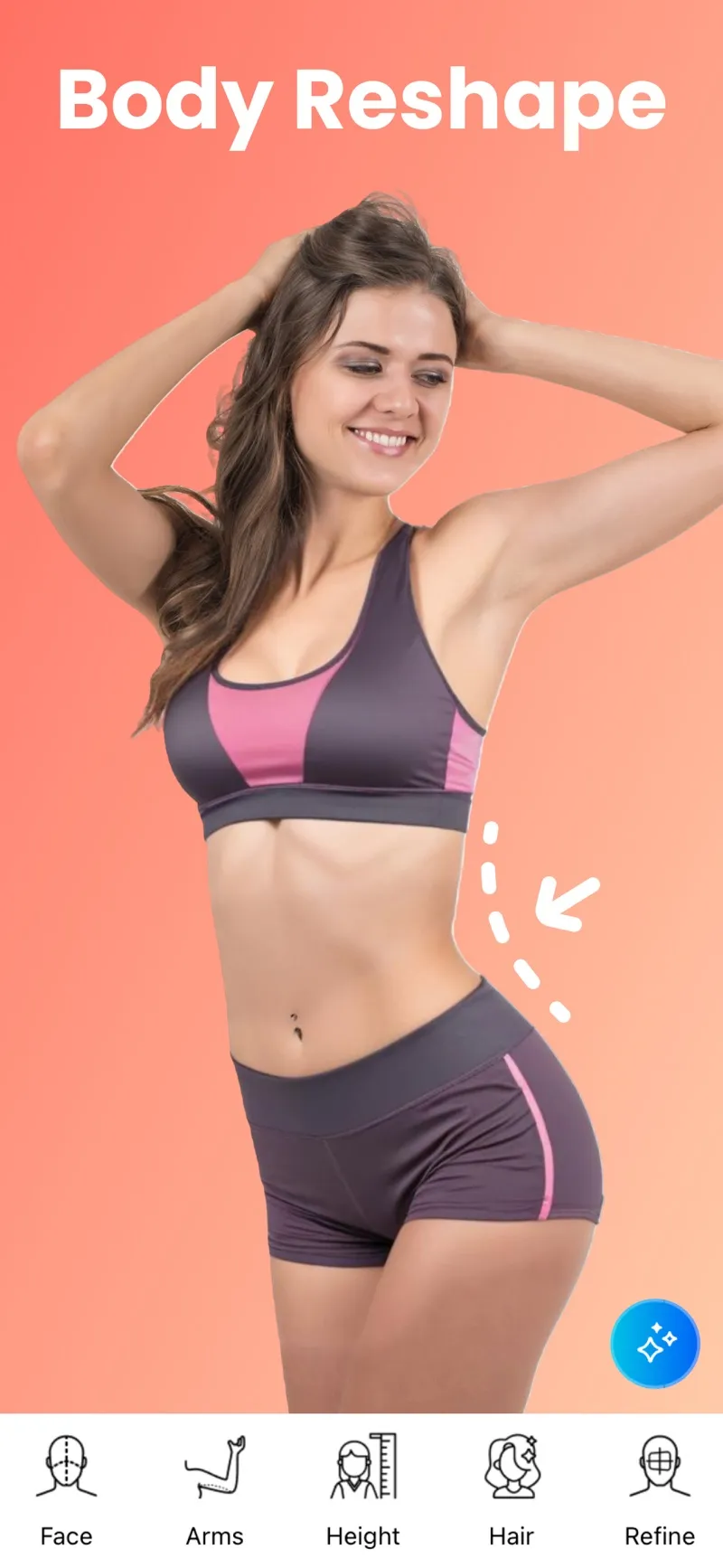
Developer screenshot illustrating a body edit. The altered outline represents an image effect.
Body Editor's official site lists waist and height adjustments, muscle and abs effects, and creative additions such as tattoos. It is the most explicitly body-focused workflow in this three-app shortlist. Choose it for exploring an image effect, while keeping any edited copy outside your fitness record.
Check before paying: inspect the background around a reshape and the exported result. Straight lines, patterned clothing and overlapping limbs make useful places to look for distortion. No app in this comparison was independently tested for how often those artifacts occur.
What should you check before uploading or subscribing?
Use one non-sensitive test picture before importing a collection. Check:
- Whether the required tool is included or opens a payment screen.
- Whether you can undo the edit and compare it with the original.
- Whether saving changes the original or creates a separate copy.
- Export resolution, watermarks and the cost of the intended output.
- Current privacy terms, processing location and deletion controls.
- Trial renewal dates and the final price shown by your storefront.
App Store ratings describe aggregated user feedback. They do not validate privacy practices, edit quality on your photo or the realism of a generated body.
How do you keep edits separate from gym progress?
Keep two clearly named collections: originals with capture dates, and edited or generated illustrations. Use the originals for comparisons. A changed waist or added abdominal effect changes the evidence you are trying to review.
Cropping an image for layout or covering a face for sharing serves a different purpose from reshaping it. The gym photo privacy editor can help prepare a sharing copy. Keep the untouched version privately and avoid crops that remove useful reference points between check-ins.
For a visual goal, the AI body transformation tool creates an illustrative image. That output is not a prediction of your personal results, a timeline guarantee or a record of actual change.
What should you use to review actual body changes?
Start with two comparable original progress photos. Keep lighting, distance, camera height and pose similar. Review those images alongside a training log and any measurements you already collect. Our guide to tracking muscle-gain progress explains how those signals can agree or conflict.
GainFrame organizes progress photos and comparisons on iPhone, with estimated physique feedback. The estimates can help you review a record, but they do not directly measure muscle tissue or establish why a body part looks different. Free download with limited check-ins. Optional Pro subscription; current price and limits are shown in the app.
If a region appears to be changing more slowly, use a repeatable check-in and the lagging-muscle review checklist before changing your program. Lighting, pose and training history can all affect the interpretation.
What should you do next?
- Preserve the original. Keep an untouched photo with its capture date before using an editor.
- Test the edit. Try the exact tool and inspect the export and payment screen before subscribing.
- Label the copy. Save altered or generated images as illustrations in a separate collection.
- Review real check-ins. Compare the original dated photos under similar conditions alongside your training record.
What else should you know about body editors?
Which body editor app should I try first?
Start with the editing task. Peachy combines portrait tools and body adjustments; Facetune offers reshaping within a wider photo and video workflow; Body Editor emphasizes proportions and visual effects. Test the specific feature and export screen before paying. This comparison checks published features, not independently tested output quality.
Are these body editor apps completely free?
All three US listings are free to download with in-app purchases as of October 27, 2026. That does not establish that your preferred body tool or export is free. Inspect the current offer, trial terms and renewal price in your storefront. Avoid starting a subscription solely because the download button says free.
Can an edited photo show my future fitness results?
An edit can illustrate a look you are curious about, but it cannot establish whether that result is achievable or when it would happen. Sliders and generated pictures do not measure future muscle growth or fat loss. Keep an illustration clearly labeled and separate from the original images used to review progress.
Can I crop or hide my face in progress photos?
Yes. A consistent crop or face covering can help organize or share a comparison without deliberately reshaping your body. Keep an untouched private original, preserve the capture date and avoid changing body proportions. If a crop removes a useful reference point, compare the full originals when evaluating whether an apparent change is meaningful.
Can AI body analysis replace a body-composition measurement?
Photo analysis provides visual feedback and estimates. It cannot directly measure the amount of muscle or fat tissue under the skin, and a confident number does not establish accuracy. For progress tracking, use comparable original photos alongside workout records, body-weight trends and repeatable tape measurements when those fit your goals.