
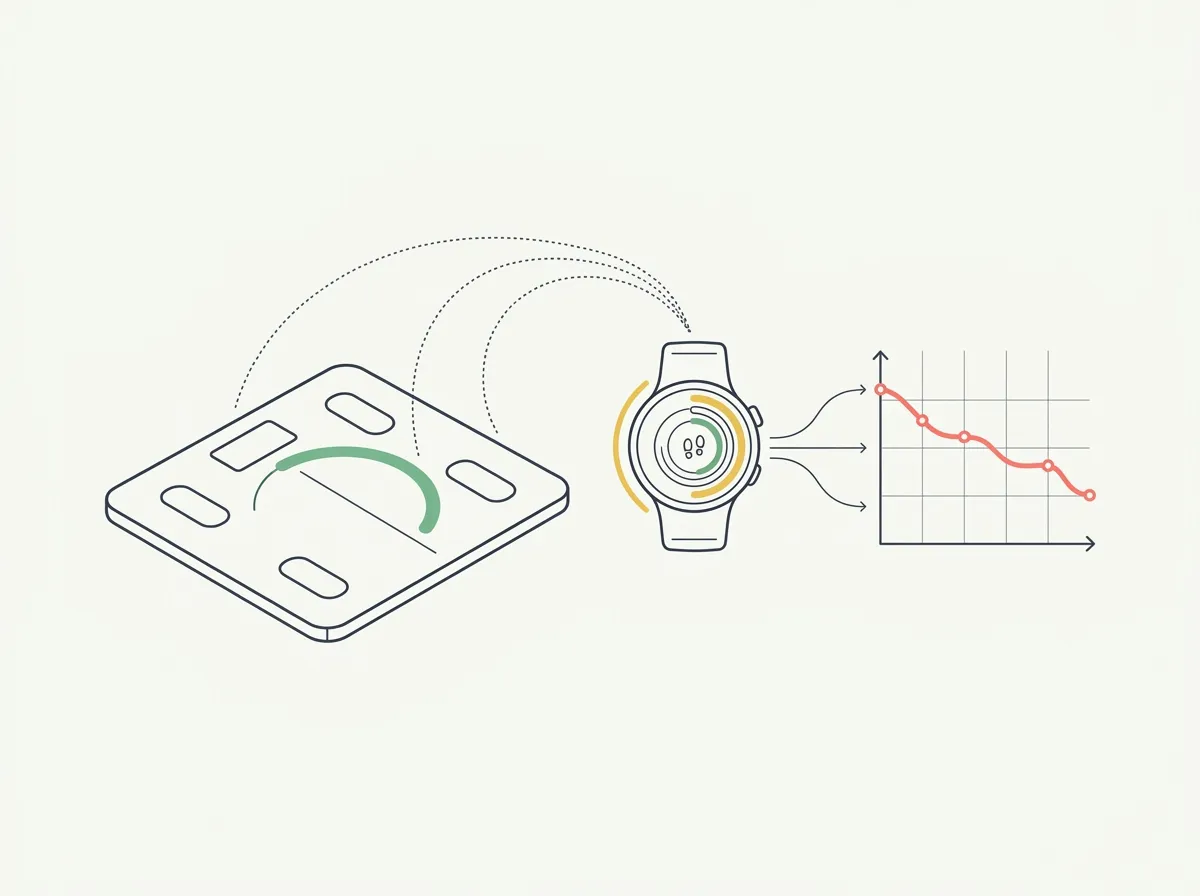
Quick answer: Garmin Index S2 is most useful when you already review training in Garmin Connect and want weight records in the same place. It adds impedance-based composition estimates and accepts reference body-fat and skeletal-muscle data. Those reference values influence future estimates. They do not turn daily weigh-ins into independent laboratory measurements.
You finish a productive month in the gym, then the scale's muscle number goes down. Or you enter a new body-fat reference and the next readings suddenly look better. This Garmin Index S2 review focuses on what those changes can tell you and how to set up a record you can interpret.
We reviewed Garmin's current manual and support documentation on October 27, 2026. This is a sourced review, not a hands-on validation study. The buying case is a convenient Garmin Connect history; the important limitation is that body composition remains estimated.
Who should consider the Garmin Index S2?
The Index S2 is a sensible shortlist option if Garmin Connect is already where you review your activity and you want fewer separate records. Its advantage becomes more practical when the scale's readings appear in an app you open regularly.
If you mainly want an inexpensive weight record, compare the total price against simpler connected scales. If your main goal is evaluating left-versus-right muscle development, this foot-to-foot model's whole-body outputs do not provide a detailed regional assessment. Our body-composition scale roundup covers other formats.
Garmin's launch announcement listed a $149.99 US suggested retail price in 2020. That is a historical reference, not a current sale quote. Check the current US product page for your purchase price and availability.
What does the Garmin Index S2 measure or calculate?
Garmin's March 2026 manual describes a small electrical current travelling from one foot to the other. The scale uses that signal to estimate aspects of composition. Keep that mechanism in mind when reading a very precise-looking decimal.
| Output | How to use it | Limit to remember |
|---|---|---|
| Weight | Track your mass over time | A change does not identify which tissue changed |
| BMI | Read weight relative to height | It does not separate fat from muscle |
| Body-fat percentage | Review the composition estimate as a trend | The percentage is model-derived |
| Skeletal muscle mass | Keep a separate muscle-estimate history | It does not prove tissue gain between two readings |
| Body water and bone mass | Understand the additional app outputs | These cannot replace clinical measurements |
| Weight-trend widget | See a month of readings on the scale | Multiple daily readings use that day's last entry |
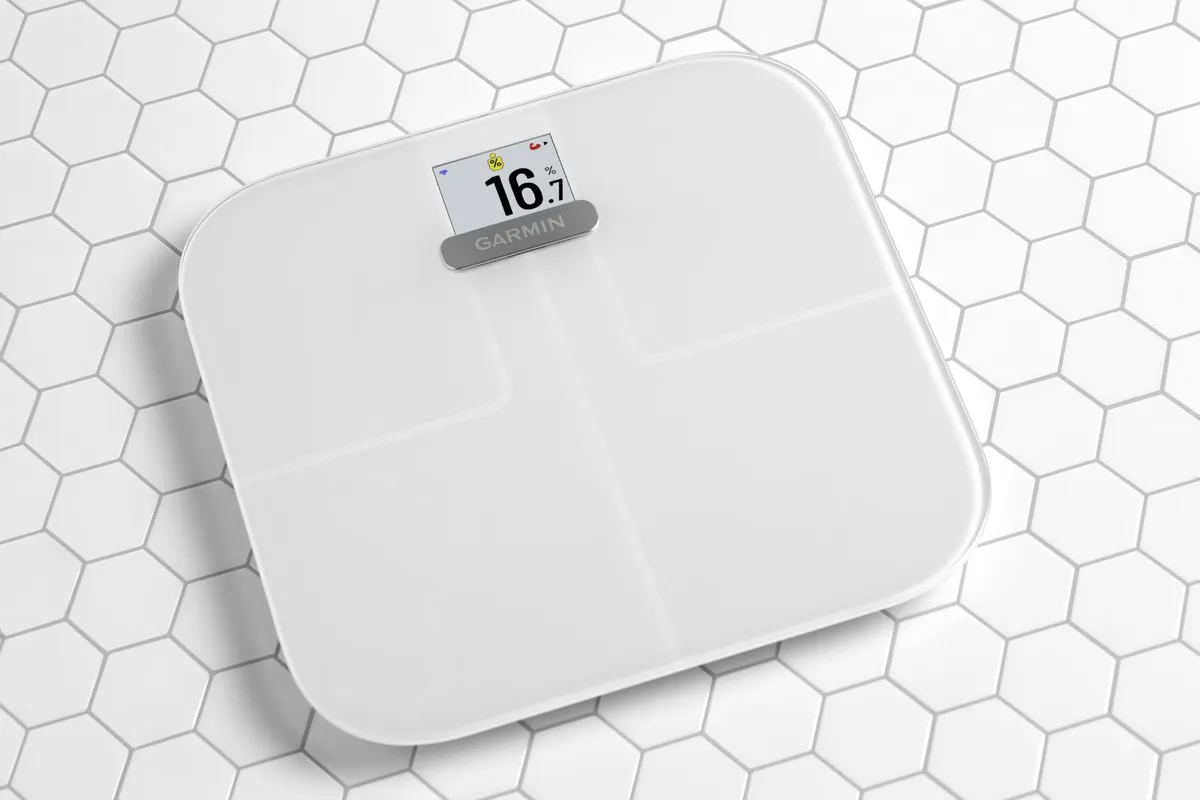
Garmin's product image shows the body-fat display. The decimal is an estimated output, and this marketing image is not a test result from our review. Source: Garmin.
How does the scale send readings to Garmin Connect?
Garmin describes Bluetooth setup with the companion app, followed by Wi-Fi synchronization. Its current smart-scale guide also lists up to 16 profiles, with each person's records in their own Garmin Connect account.
Think of the workflow as three checks: your measurement, the recognized profile, and the account upload. If a reading is missing, locate the first missing step before changing anything else.
- Confirm that the scale completed the weigh-in.
- Confirm that it selected the intended person.
- Open Garmin Connect and check the reading's date and units.
- Resolve scale-to-Connect problems before investigating another app's access.
Wi-Fi convenience is separate from export to Apple Health or another service. If that second handoff is essential, verify the specific data types through current integration documentation. Our Apple Health scale guide helps compare that requirement across brands.
How do you enter body-composition reference values?
Garmin supports manually entering body-fat percentage and skeletal muscle mass as reference points for subsequent estimates. Its reference-data instructions require a weight upload within the preceding 30 days and say updated scale metrics appear after two weight-measurement uploads.
In Garmin Connect, open More → Garmin Devices → Index S2 → User Settings → Set Body Composition. Enter the relevant recent values from a trusted assessment, check the units, and save. Menu wording can change as the app is updated.
Keep the source report and enter a note in your own progress record with its date. Your future chart now includes a change in the inputs used to estimate composition. That matters when you compare the period before and after the update.
Can you copy DEXA lean mass into the skeletal-muscle field?
Avoid treating these labels as interchangeable. A DEXA report's lean soft tissue includes more than skeletal muscle. Use a value only when you can verify that it matches the field Garmin requests. Ask the provider to explain the report if the terminology is unclear.
Our DEXA body-fat report guide shows an actual report with separate fat mass, lean mass and bone mineral content. Copying a larger lean-mass total into a muscle-specific field can create a misleading baseline.
Does adding a reference make the scale as accurate as DEXA?
It changes the model's reference information. The next home reading still comes from the scale's own measurement process. Agreement immediately after entering a value cannot establish independent accuracy because the value you entered influenced the output.
Consider a hypothetical example: an estimate changes from 24% to 19% after you supply a new reference. Record that as a baseline update. You have not demonstrated a five-percentage-point fat loss during the interval.
This is why a useful progress journal records more than the latest number. Label device changes, profile changes and reference updates so a later improvement does not accidentally mix training results with a changed measurement process.
How can you make the trend easier to interpret?
Follow Garmin's preparation instructions. The manual recommends similar circumstances and time of day, and a two-hour wait after eating, drinking, exercise, bathing or a sauna. Consistency will not remove every error, but it reduces obvious differences between sessions.
Then choose a small set of records you will actually review:
- Weight under your usual conditions.
- Waist measured at the same location.
- A few repeatable exercises with load, repetitions and technique notes.
- Photos with consistent distance, pose and lighting.
- The date of any reference-value or device change.
Use the free progress-photo comparison tool when the number and mirror seem to disagree. The photos provide context about appearance; they cannot tell you the true body-fat percentage or validate the scale.
Is the Garmin Index S2 worth it for lifting progress?
It can be worth it when the automatic record removes a task you otherwise skip. The most useful upgrade may be a more complete history in Garmin Connect, especially if your training information is already there.
It is a weaker purchase if you expect the muscle field to settle every question about your program. Pair the record with the checks in how to track muscle-gain progress. Several agreeing signals are more useful than repeatedly checking one uncertain estimate.
First, decide whether the Garmin workflow justifies the current purchase price. Second, establish comparable measurements and document any reference update. Third, assess the longer trend alongside your gym record before changing your plan.
What else should you know?
Is Garmin Index S2 body fat accurate?
This review does not establish a fixed error margin for an individual. Index S2 uses bioelectrical impedance to estimate composition, and measurement conditions can affect the result. Read the percentage as one part of a longer record, especially when a small change conflicts with your waist, photos or training performance.
Can I calibrate Garmin Index S2 with a DEXA scan?
Garmin lets you enter reference body-fat percentage and skeletal muscle mass from a trusted assessment. Those entries influence future estimates. Check that each report field matches the requested metric; DEXA lean mass is not interchangeable with skeletal muscle mass. Record the update date so you can interpret the change in your chart.
Why did my Garmin muscle number change after setting a reference?
The reference becomes an input to subsequent composition estimates, so updating it can shift the reported values even without a corresponding change in your body. Keep that date separate from your training milestones. Compare periods using the same setup and avoid counting a baseline adjustment as newly gained muscle.
Does Garmin Index S2 work without a Garmin watch?
The scale uses Garmin Connect for setup and its connected history. A watch is not required for the basic scale workflow described in Garmin documentation. Owning one may make the shared app more convenient, because you already review activity there, but it does not improve the scale by directly measuring muscle tissue.
Why does the weight-trend widget differ from my morning reading?
Garmin says the on-scale monthly weight trend uses the last measurement recorded each day when there are multiple weigh-ins. An evening reading can therefore replace the morning value in that graph. Check the timestamps and your recording routine before interpreting the difference as a sudden change in your progress.
Keep your progress in one photo history
GainFrame is our iPhone app for progress photos and estimated body-composition trends. Free download with limited check-ins. Optional Pro subscription; current price and limits are shown in the app. Photo estimates cannot verify a scan or diagnose a health condition.
Get GainFrame for iPhone