
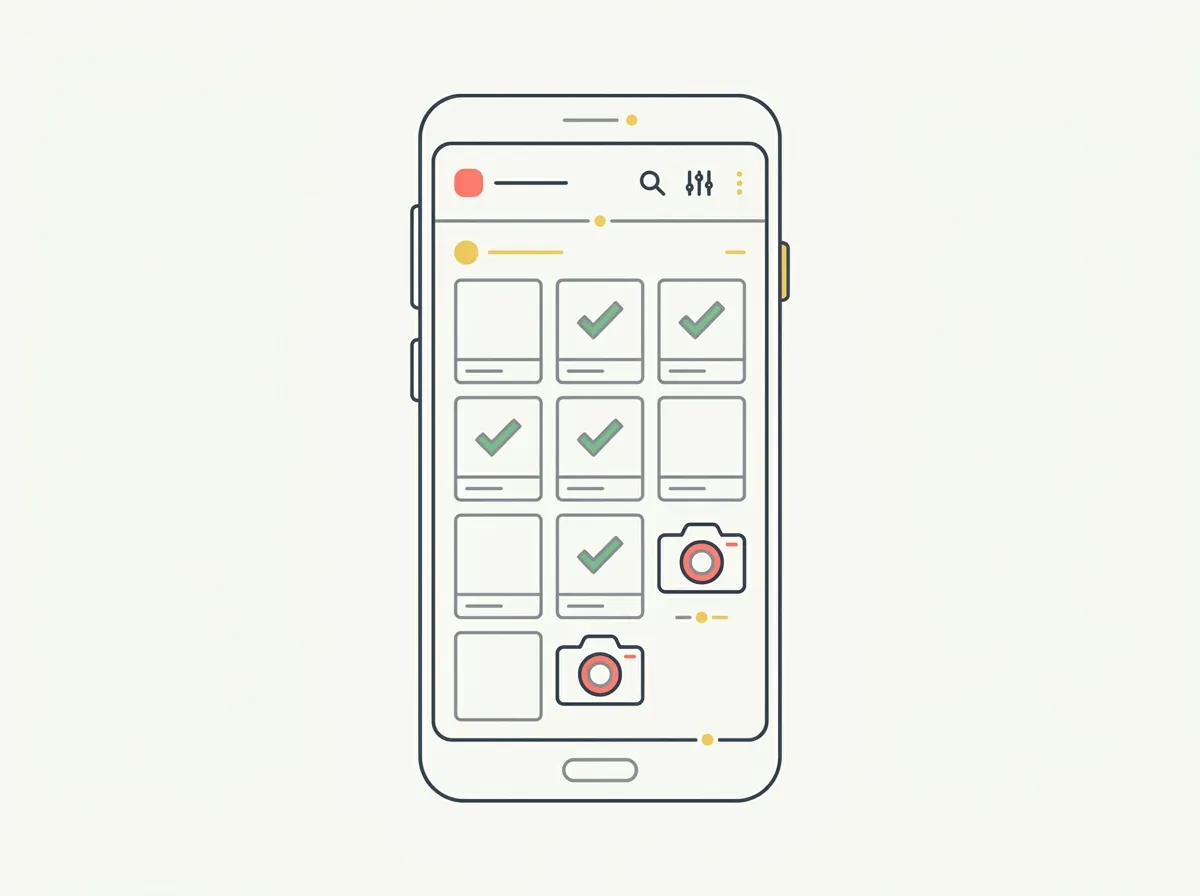
Quick answer: Many progress photo apps people recommend — including GainFrame — are iOS-only. On Android, your real options are Progress by Lasmit (the manual classic, iOS and Android), MeThreeSixty and ZOZOFIT (3D scanning), a plain gallery album with consistent conditions (the honest free choice), or browser-based analyzers like our free web tool, which work on any Android phone.
Here's a frustrating afternoon: you read a roundup of progress photo apps, pick the one that sounds best, open the Play Store — and it's not there. Try the next one. Also not there. A surprising share of the body-tracking apps people recommend in 2026 ship on iOS only, and most articles on the topic never mention it.
This is the straight version. We build one of those iOS-only apps, so the "is there an Android version?" question shows up in our search traffic every week. The honest answer is worth a full page: what actually runs on Android, what each option is good at, and where the iOS-only apps (ours included) fit into the picture.
Why are so many progress photo apps iOS-only?
Mostly economics, not spite. A lot of body-tracking apps are small-team or solo-developer products, and the paying market for premium health apps has historically skewed heavily toward iOS — so that's where small teams ship first, and often only. Supporting a second platform roughly doubles the build-and-test surface for a fraction of the revenue.
The practical consequence: the Android field is thinner, but it is not empty. And the single most important truth in this whole category is that the app matters far less than the habit. A cheap tracker used weekly under consistent conditions beats the fanciest AI app used sporadically. Keep that in mind as you read the options below.
What progress photo options actually work on Android?
The honest map, before the details:
| Option | Android? | Method | Price |
|---|---|---|---|
| Progress (Lasmit) | Yes — native app | Photos + measurements | ~$0.99/mo or $5.99/yr (free tier) |
| Gallery album + grid | Yes — built in | Manual photos | Free |
| MeThreeSixty | Yes — native app | 3D scan (2 poses) | Free; Premium ~$5/mo |
| ZOZOFIT | Yes — native app | 3D scan, suit-free | Free plan; Premium ~$3.99/mo |
| Web photo analyzers | Yes — any browser | AI photo analysis | Free–paid, varies |
| GainFrame | No — iOS only | AI photo analysis | Free / $5.99 mo (iOS) |
1. Progress by Lasmit — the native Android classic
Platform: iOS & Android · Price: about $0.99/mo or $5.99/yr, with a free tier
If you want a proven progress photo app installed on an Android phone, this is the one to start with. Progress (by Lasmit, full name "Progress Body Tracker") launched in 2012 and has become one of the most-reviewed body-tracking apps around — roughly 15,000 ratings at 4.6 stars. It's built around weight-loss journeys: weight, tape measurements, formula-based BMI and body fat, and side-by-side photo comparison, with Apple Health and Fitbit syncing.
It's also cheap and consistent across platforms, which matters if you or a training partner span iOS and Android. What it doesn't do is AI vision — body fat comes from formulas on your inputs, not from analyzing the photo itself. Our full Progress vs GainFrame comparison covers that gap in detail.
Best for: Android users who want a proven, affordable photo-and-measurement tracker. Limitations: no AI photo analysis; body composition is formula-based.
2. A gallery album + grid — the honest free option
Platform: built into Android · Price: free
Before you install anything, know that the best free progress tracker might already be on your phone. Create a dedicated album in Google Photos, shoot front/side/back in the same spot and light every week, and you have a clean, private, searchable transformation record with zero subscriptions. Photos' built-in date sorting handles the timeline; a free collage or grid maker builds the side-by-side when you want one.
This sounds too simple to recommend, but it's the truth the app-review economy buries: a dedicated album under consistent conditions beats a mediocre app used inconsistently. The failure mode of progress photos is never "wrong app" — it's inconsistent lighting, poses, and cadence, and no app fixes that for you. Our guide to taking progress photos by yourself covers the setup that makes the free method work.
Best for: anyone who wants a free, private, no-friction record. Limitations: no automatic alignment or analysis; the discipline is entirely on you.
3. MeThreeSixty — native 3D scanning
Platform: iOS & Android · Price: Free (five-scan history; Premium around $5/mo)
If you want measurements alongside your photos, MeThreeSixty runs natively on Android. Built by Size Stream, a company that makes professional body-scanning hardware, it turns two quick poses into a 3D avatar with 14+ estimated circumference measurements — waist, hips, chest, arms — processed on-device. The scan is free; the free tier keeps your five most recent.
The trade-off: the avatar is a smoothed mesh that captures shape and measurements, not muscle definition or leanness detail. We rank it against the wider field in our body scanning apps roundup and head-to-head in MeThreeSixty vs GainFrame.
Best for: Android users who want tape-free measurements tracked over time. Limitations: measurement estimates, not definition; five-scan free history.
4. ZOZOFIT — suit-free 3D scanning
Platform: iOS & Android · Price: Free plan; Premium has been offered around $3.99/mo — check the listing, pricing has shifted
ZOZOFIT dropped its infamous polka-dot suit requirement — scanning now works with the phone camera and tight-fitting clothing — and added a free plan. You get a 3D body model with measurements and body fat estimates tracked over time, in a more polished consumer package than most competitors. The scan ritual is real, though: propped phone, specific poses, tight clothes. If that cadence suits you, it's a solid Android citizen; if not, the alternatives are ranked in our best ZOZOFIT alternatives post.
Best for: Android users who want the most polished 3D-scan experience. Limitations: subscription for the full feature set; scan setup takes effort.
5. Browser-based analyzers — the platform-agnostic lane
Platform: any browser, including Android · Price: free to paid, varies
The quiet workaround to the whole iOS-only problem: AI photo analysis that runs on the web. Tools of this kind analyze an uploaded photo and return a body fat estimate from any browser — the platform stops mattering entirely.
Full disclosure: we make one of these. Our free body fat from photo tool is built by GainFrame, runs in any Android browser, and returns an AI body fat estimate from a single photo — no install, no account, one scan per day. It exists precisely because the app is iOS-only and Android users kept asking. It's a one-shot estimator, though, not a tracker — you won't get the history a native app builds.
Best for: a quick AI estimate on Android with zero install. Limitations: single-shot; no ongoing tracking history.
What about GainFrame on Android?
Straight answer: GainFrame is iOS-only, and there's no Android version planned. It's a solo-developer app, and staying on one platform is what keeps the pace of updates sustainable. We'd rather tell you that plainly than let you hunt the Play Store for something that isn't there.
What we'd honestly recommend instead: if you're on Android and want a native progress photo tracker, Progress by Lasmit is the pick — proven, cheap, cross-platform, with real measurement and photo history. If what you wanted from GainFrame was specifically the AI-photo-estimate part, the free web tool is the same core idea and works on any phone. And if you're a two-phone household or eyeing a switch someday, the full iOS progress photo field is covered here.
How do you take progress photos that actually show change?
This is the part that matters more than any app choice, on any platform:
- Same spot, same light. Pick one location with consistent lighting — ideally not overhead-only, which flattens definition. Mark where you stand.
- Same poses, every time. Front relaxed, side, back — and hold them the same way each session. Our progress photo poses guide has a repeatable set.
- Same phone height and distance. Prop it or use a timer so framing doesn't drift week to week.
- Same time of day. Morning, before food and water, is the least noisy — your midsection changes visibly across a single day of eating.
- Compare weeks apart, not days. Body change is slow; day-to-day noise hides it. A shot every 1–2 weeks, reviewed monthly, is the signal.
Do these five things and even a plain gallery album outperforms a fancy app used carelessly. The tool is a convenience layer on top of the habit — never a substitute for it.
Frequently asked questions
What is the best progress photo app for Android?
Progress by Lasmit is the strongest native pick — a 14-year-old iOS and Android app with roughly 15,000 reviews at 4.6 stars, built around weight, measurements, and side-by-side photos. MeThreeSixty and ZOZOFIT add 3D scanning on Android. For zero cost, a dedicated gallery album under consistent conditions beats most apps. Several recommended apps, including GainFrame, remain iOS-only.
Does GainFrame work on Android?
No. GainFrame is iOS-only and there is currently no Android version planned. For a native Android progress photo tracker, Progress by Lasmit is the closest match. GainFrame's free web tool at gainframe.app/tools/body-fat-from-photo works in any Android browser — it estimates body fat from a single photo without an install or account.
Is there a free progress photo app for Android?
Yes, and the best free option might already be on your phone. A dedicated album in Google Photos plus consistent conditions — same spot, same light, same poses, same time of day — captures a cleaner transformation than most dedicated apps do badly. Progress by Lasmit also has a free tier, and browser-based analyzers run on any Android phone with no install.
How do I take good progress photos on Android?
Consistency beats the app. Use the same spot and lighting each time, mark where you stand, shoot the same poses (front, side, back), keep the phone at the same height, and take them at the same time of day — morning, before food, is least noisy. Then compare shots taken weeks apart, not day to day. This works with any camera and any app.
Can I estimate body fat from a progress photo on Android?
Yes — through the browser. Web-based analyzers run the same kind of AI photo analysis as iOS apps, but in Chrome or any mobile browser, so the platform doesn't matter. Expect an estimate, not a measurement: lighting, pose, and photo quality all move the number. Taking photos in consistent conditions matters more than which tool you use.
On Android? The web tool works on your phone right now.
GainFrame's free body fat estimator runs in any browser — upload one photo, get an AI estimate in about 30 seconds. No install, no account, works on every Android phone.
Try the Free Body Fat Tool