
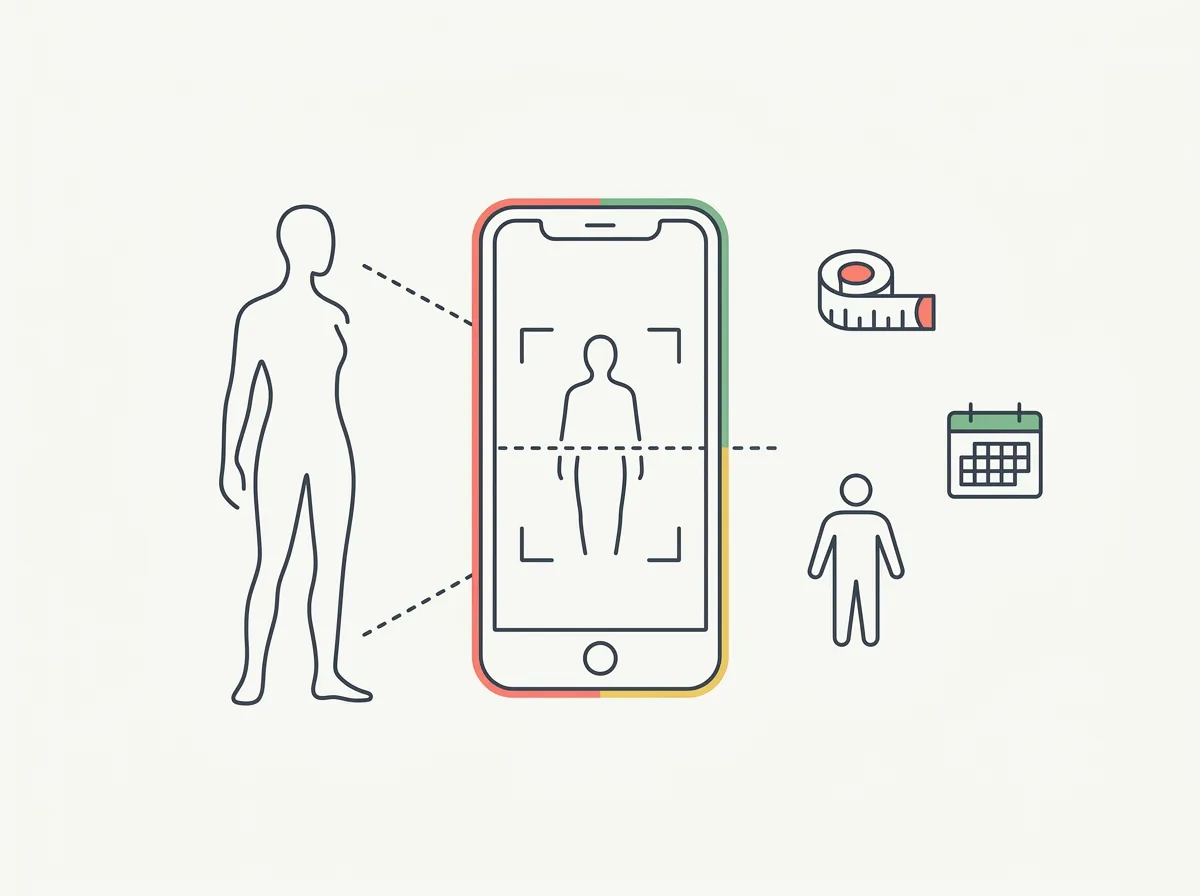
Quick answer: The WeightWatchers Body Scanner adds camera-based body estimates to a WW membership. Its appeal is keeping scans alongside your existing weight-management routine. Use the results as estimates, check waist trends separately, and distinguish research on the underlying scanning technology from proof that every app reading is accurate.
You can follow a plan for four weeks and still wonder what a flat scale trend means. An app that adds a waist estimate and a body outline sounds useful. The buying question is whether those extra signals help you make a calmer, better-informed decision.
Research basis: This is a review of published features and research, checked September 6, 2026. We have not performed a WW scan or tested its repeatability. Michael Rode, founder of GainFrame, wrote this evaluation; our app also offers photo-based progress tracking.
What does the WeightWatchers Body Scanner include?
WW describes a phone-camera feature that produces a 3D avatar, estimated body-fat percentage, estimated lean-mass percentage, and waist circumference. It also describes monthly comparisons and overlays, with access included in membership. These are the company's stated capabilities, not results from our own account. WW's feature announcement
Those outputs answer different questions. A waist trend concerns body size. An avatar visualizes the model's reconstruction. A body-fat estimate describes a model's inference about composition. Combining them in one screen does not make them independent confirmations of the same change.
| Output | Useful question | Interpretation to avoid |
|---|---|---|
| Waist estimate | Is my measured shape changing over time? | Every small scan difference is a real change |
| Body-fat estimate | Does the longer trend agree with other observations? | This is my exact body-fat percentage |
| Lean-mass percentage | How does the estimated proportion change? | A higher percentage proves I gained muscle |
| Avatar overlay | Where does the reconstructed outline differ? | The model shows actual muscle tissue |
For other scanning methods, use the existing body-scanning apps guide. This review stays with the WW feature and the evidence behind it.
What does the validation study actually establish?
WW links to a 2024 study of smartphone scanning technology from Prism Labs. Researchers compared estimates with DXA in 131 participants and reported a mean absolute body-fat error of roughly 3.5 percentage points across two equations. The sample included 73 men and 58 women. Tinsley and colleagues, 2024
That supports taking the technology seriously. It does not establish a maximum error for an individual, validate every later software version, or show how your own scan behaves in your bedroom. The paper's repeatability and agreement analyses also answer separate questions: consistent outputs can still differ from the comparison method.
Imagine a scanner repeatedly returning the same estimate while a reference assessment returns a different one. Repetition alone cannot tell you which is closer. This hypothetical example explains the distinction; it contains no WW test data.
Does lean-mass percentage tell you whether you gained muscle?
A percentage can rise because its numerator increased or because the total decreased. Suppose, purely as an arithmetic example, that non-fat mass stays at 120 pounds while total weight changes from 180 to 170 pounds. Its share rises from about 66.7% to 70.6% without any increase in non-fat mass.
Lean mass also includes more than skeletal muscle. That makes a scan percentage a poor standalone verdict on whether a training program built muscle. If muscle retention is your concern, keep a record of your training performance and discuss meaningful changes with the professional supporting your plan.
Our guide to signs of muscle gain covers the broader tracking question. You do not need to turn every monthly scan into a new training decision.
How should you evaluate the feature during your membership?
Start with a small, documented check rather than a target number. The aim is to learn whether the workflow gives you information you can use consistently.
- Follow the current in-app setup instructions and record your clothing, location, and time.
- Save the first report with its date. Label it a baseline estimate.
- If the app permits a repeat scan, record the spread instead of selecting your favorite result.
- Measure your waist at one clearly documented landmark. Compare the direction of change over time; do not assume the app uses that same landmark.
- Decide in advance what you will review next month: scan completion, waist trend, photos, and training notes.
| If this happens | A useful next step |
|---|---|
| Two scans disagree | Check setup and ask support before interpreting the difference |
| The waist and weight trends agree | Keep the process stable and observe the next check-in |
| Lean percentage rises while weight falls | Look at absolute values and avoid assuming muscle gain |
| The scan makes you repeatedly check your body | Reduce the frequency or leave the feature out |
Is the scanner a reason to join WeightWatchers?
For an existing member, trying an included feature has a different cost from buying a membership mainly for scanning. Evaluate the whole program, its current renewal terms, and whether you want its food and behavior tools. A scanner should not make that larger decision for you.
If you only want a dated visual record, you can start with a consistent progress-photo setup. If you want a body-fat estimate too, our photo estimator explains its own method and limitations. Neither route proves muscle gain from a single image.
Which sources support this evaluation?
The product description comes from WeightWatchers. The numerical research findings come from the original 2024 paper. The decision checklist and arithmetic example above are our editorial analysis. No original WW account screenshots, scans, or before-and-after outcomes are presented.
What else should you know?
Is the WeightWatchers Body Scanner included in membership?
WW describes the scanner as included in membership. That makes it worth exploring if you already use the program and want another way to record progress. Before joining primarily for scanning, check the current membership offer, renewal terms, and whether the rest of the program fits your needs.
How accurate is the WeightWatchers Body Scanner?
The research WW cites supports the underlying smartphone-scanning approach, but it does not guarantee your individual result. A study average is different from a maximum error. Treat your result as an estimate, keep the setup consistent, and use other observations before drawing conclusions from a small change.
Does the scanner measure muscle gain?
It reports an estimated lean-mass percentage, which cannot establish muscle gain by itself. A percentage can increase while absolute lean mass stays the same, and lean mass includes tissues beyond skeletal muscle. Training records and repeated observations provide useful context when interpreting the result over time.
Should you scan every day?
The feature announcement describes monthly comparisons. Follow the schedule and instructions in your current app rather than assuming more scans produce better information. If you repeat a scan to check setup, record both results. Avoid choosing only the lowest body-fat estimate as your baseline for future comparisons.
Is a phone scan the same as a progress photo?
A scan uses images to construct measurements or a model; a progress photo preserves a visual record you can compare later. They answer related questions through different outputs. Keeping dated photos alongside scan results can help you see what changed without treating an avatar as a direct photograph of your body.
Keep a visual record of your progress
Use GainFrame on iPhone to organize progress photos and compare check-ins. Photo estimates have limits; a consistent visual history gives you another observation alongside your logs.
Get the app for iPhone